📕 Introduction
Discover in this content how to access previous versions of a training module, view and restore them.
⏮ Access the version history of your modules
Access the entire version history of your training modules and retrieve modified older versions if desired.
You can view and restore them.
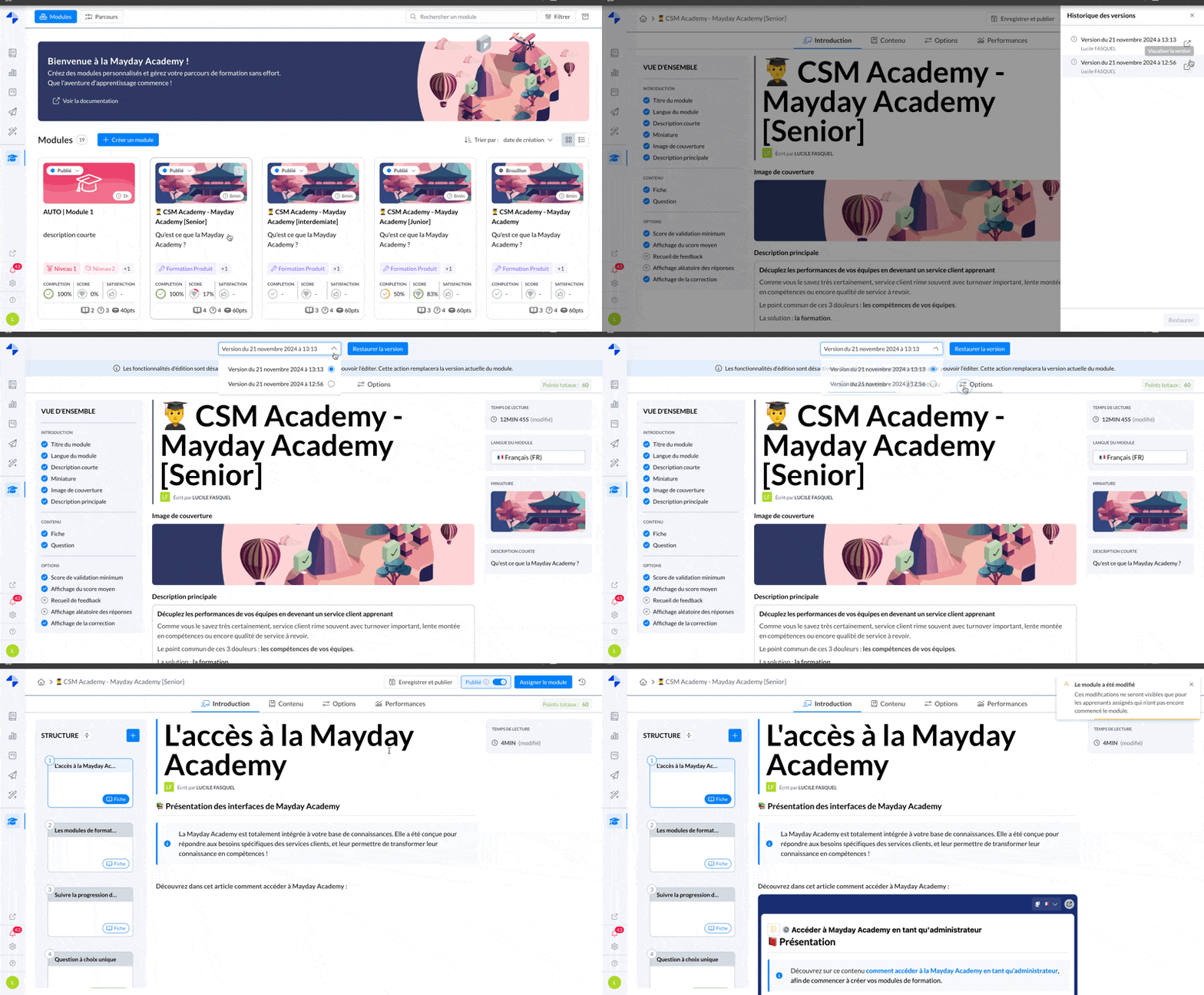
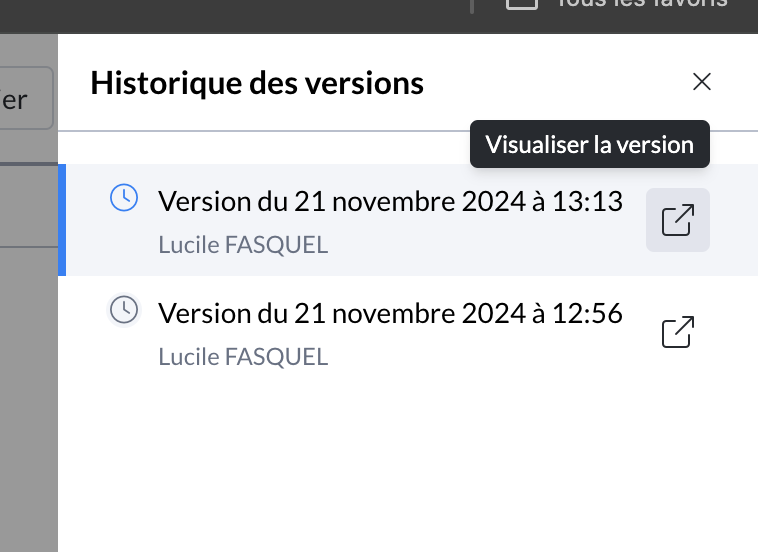
Mayday Academy admin interface - Module - Version history
Each new version is created when the module is modified and the administrator clicks "Save and Publish" at the top right of the interface.
✨ How to use it?
Go to the module in question on the admin interface
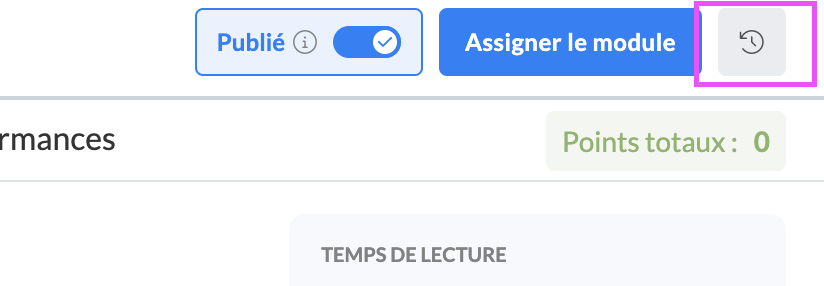
Click on the new button with an arrow next to the "Assign Module" button
↩ View and restore previous versions
View the list of versions
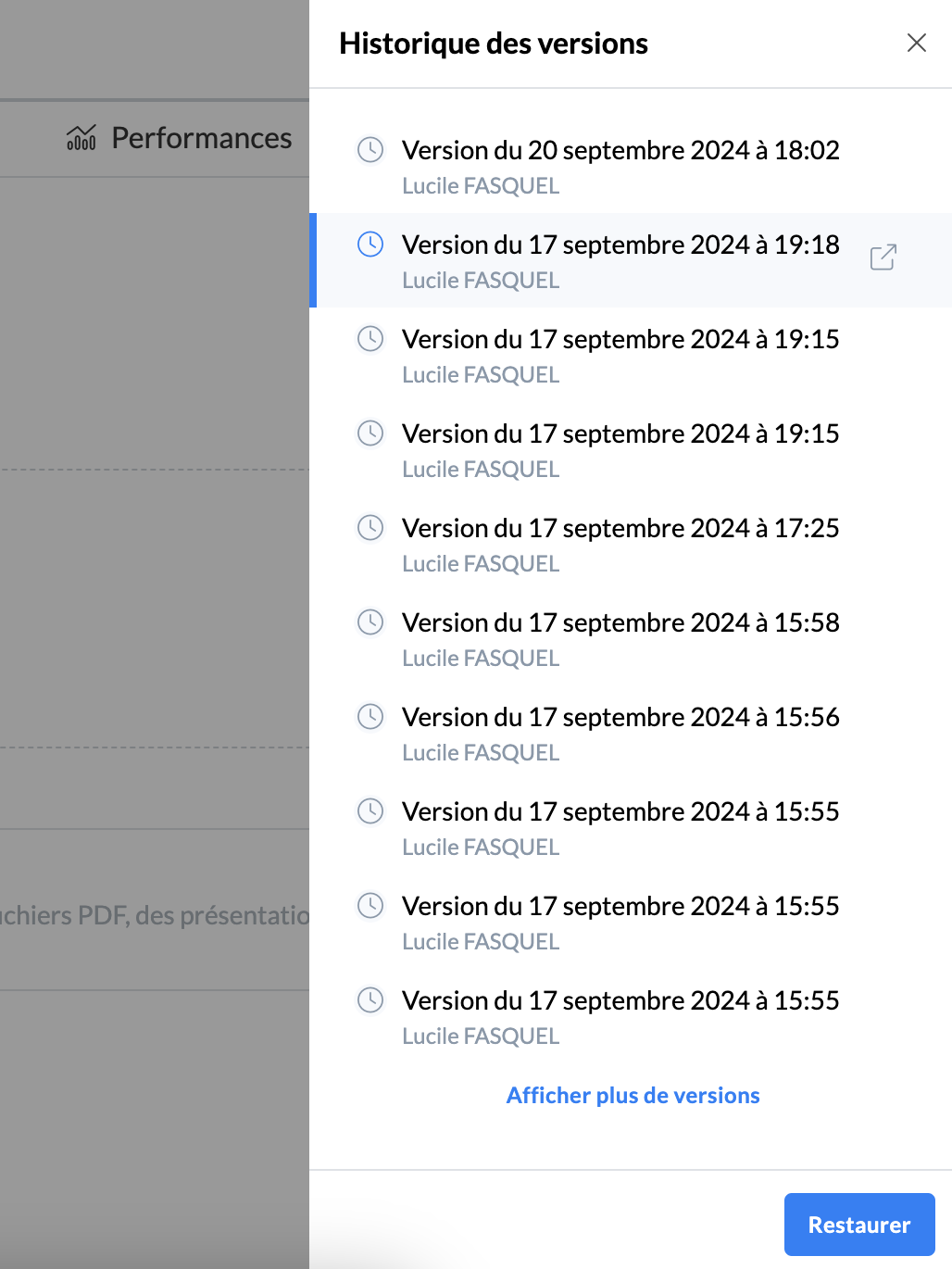
Restore the version you want
directly from the view with the list above
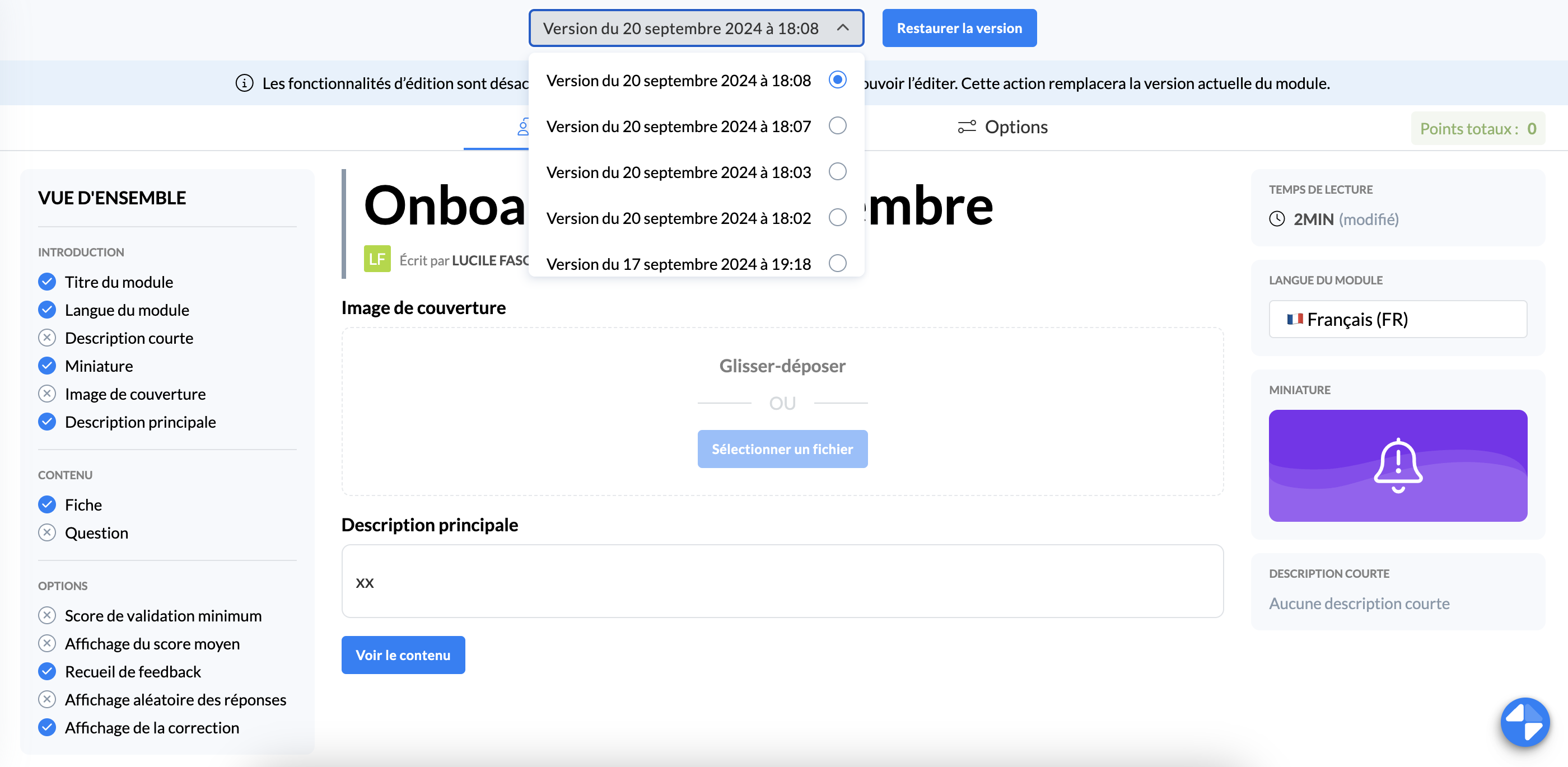
or from viewing the desired version by clicking "view version"
You can switch versions from this view to simplify seeing the differences between versions: