⚙ How to change, add or remove training labels?
Go to your administrator interface of the Mayday Academy.
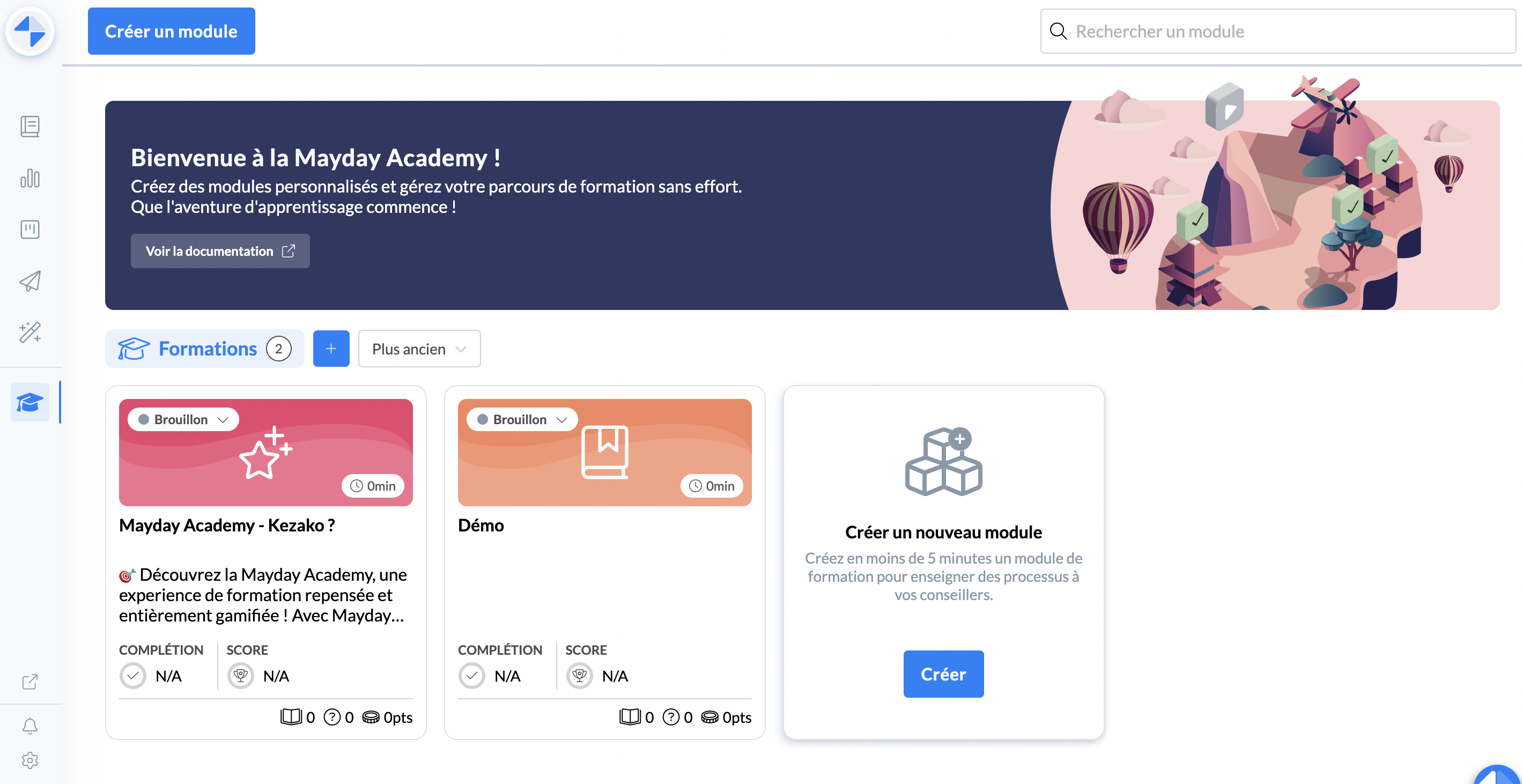
Click on the module in question
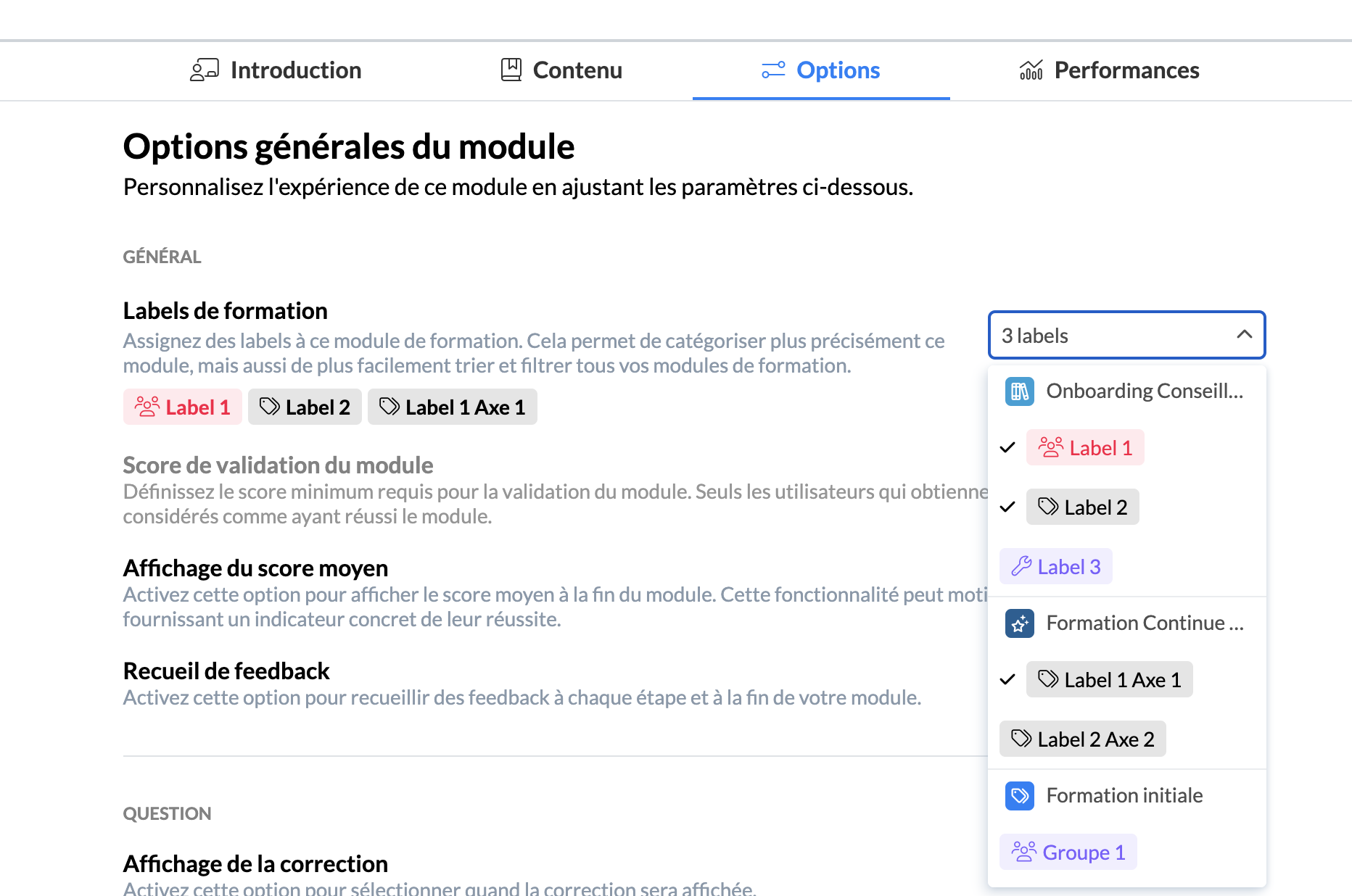
Go to the "options" tab of this module
Within the option section found in "General", the option "Training labels"
Select the labels you wish to remove or add
📸 Screenshot
Click "save and publish" at the top right
📸 Screenshot
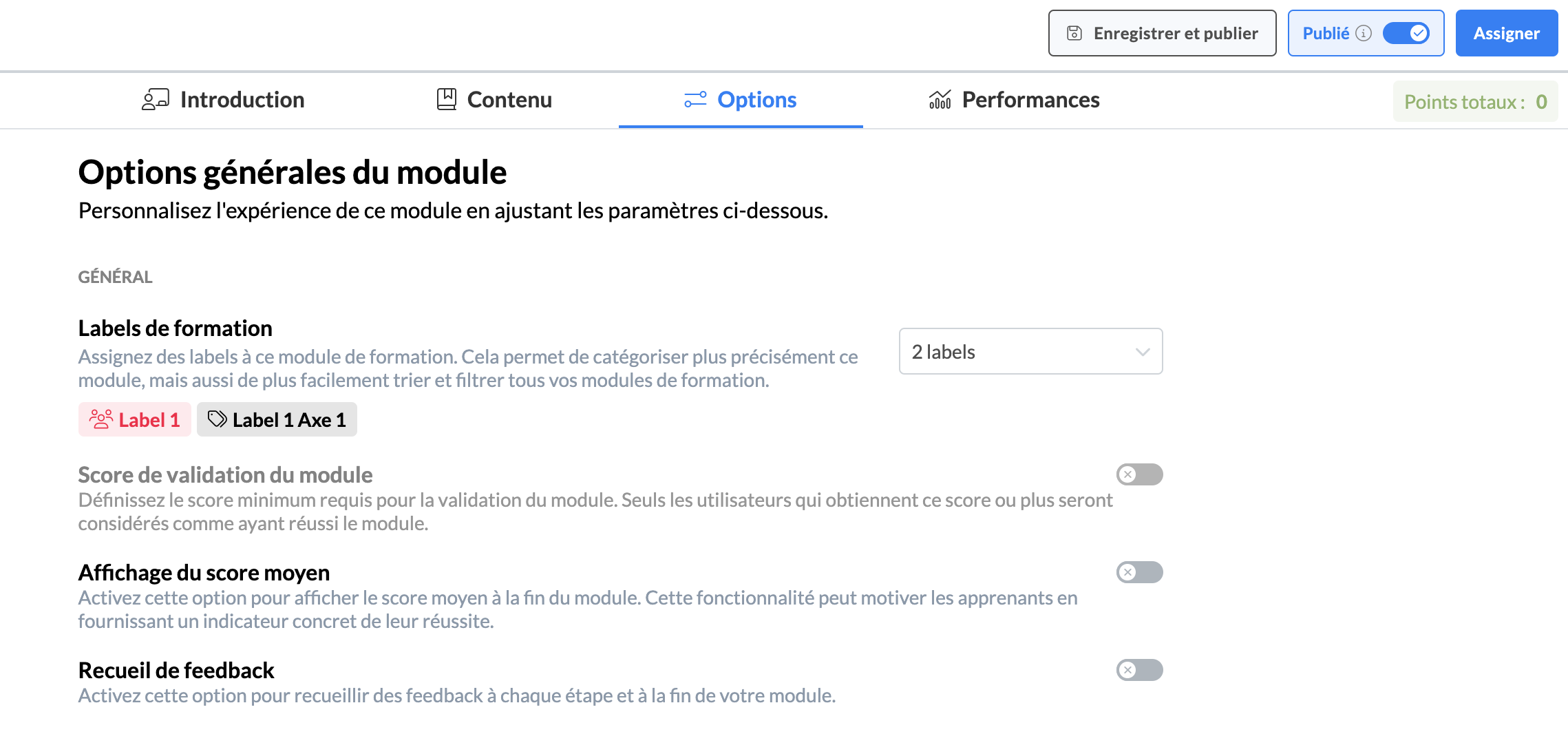
And there you have it! Your module will be assigned to the newly selected labels.