📕 Introduction
Discover in this article how to assign a training label on the Mayday Academy.
Create and assign labels to your training modules in order to categorize them, group them by theme, or more easily sort and filter them!
🎯 How to assign a training label?
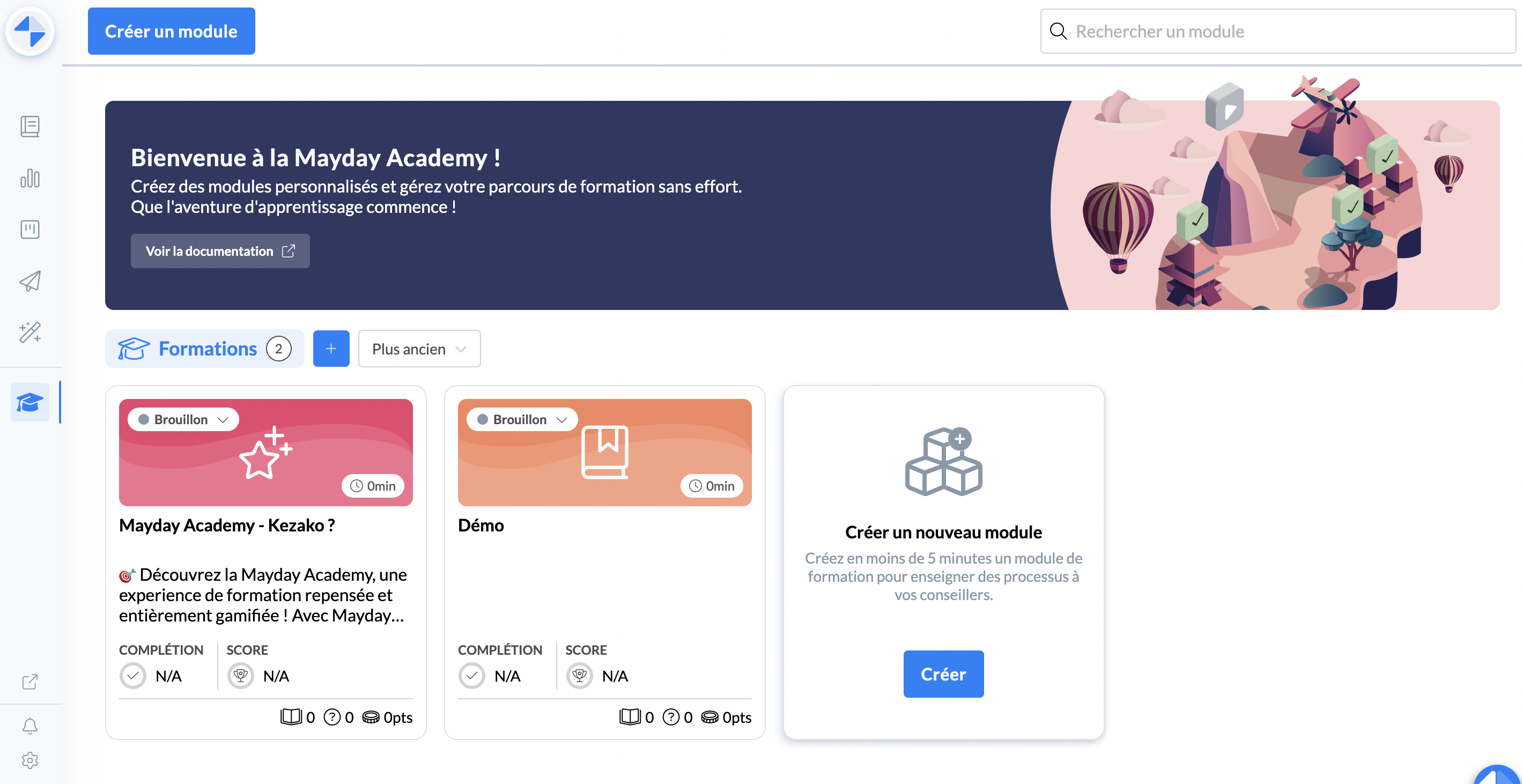
Go to your Mayday Academy administrator interface.
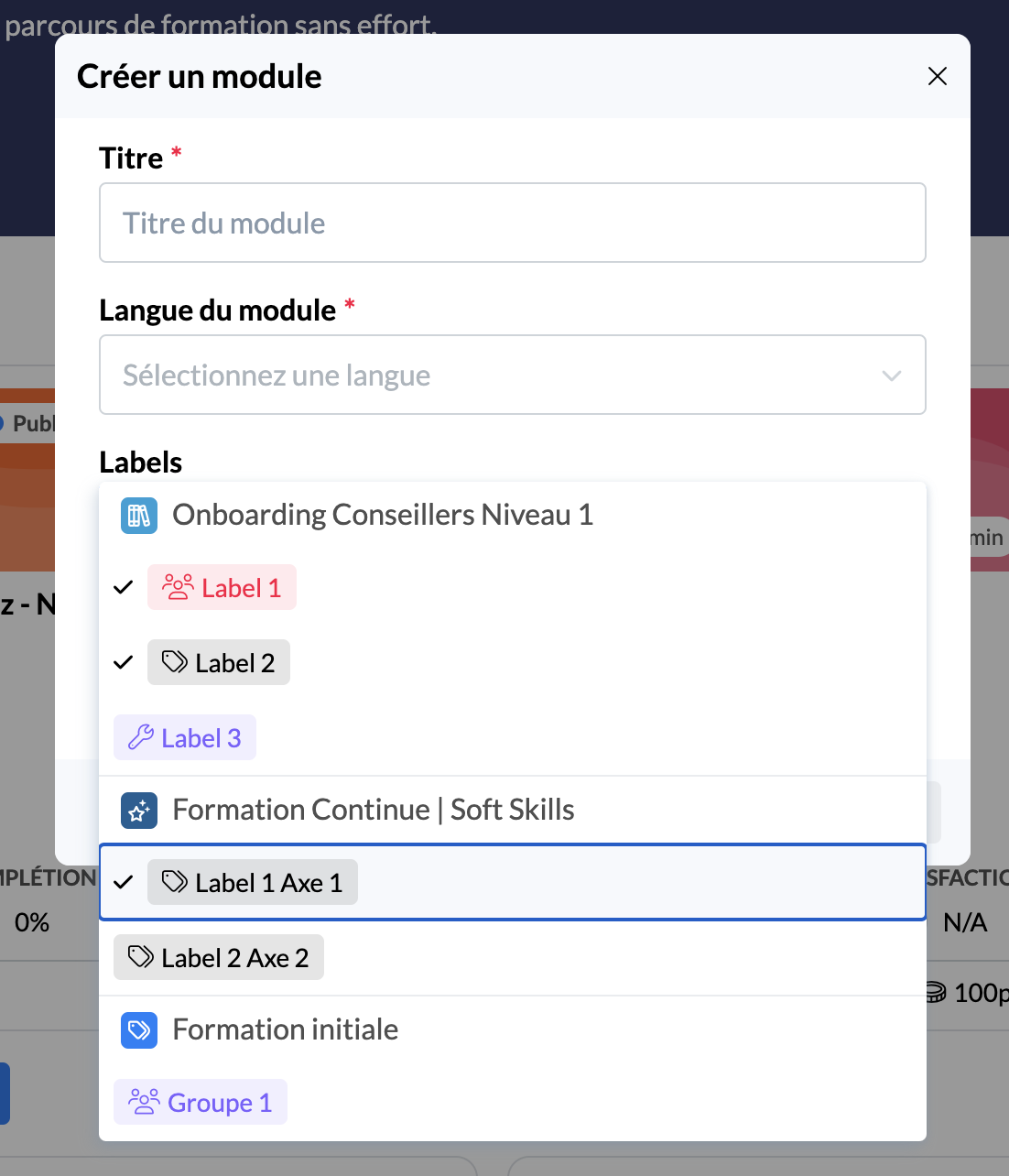
During the creation of your training module, select the labels you wish to assign to it
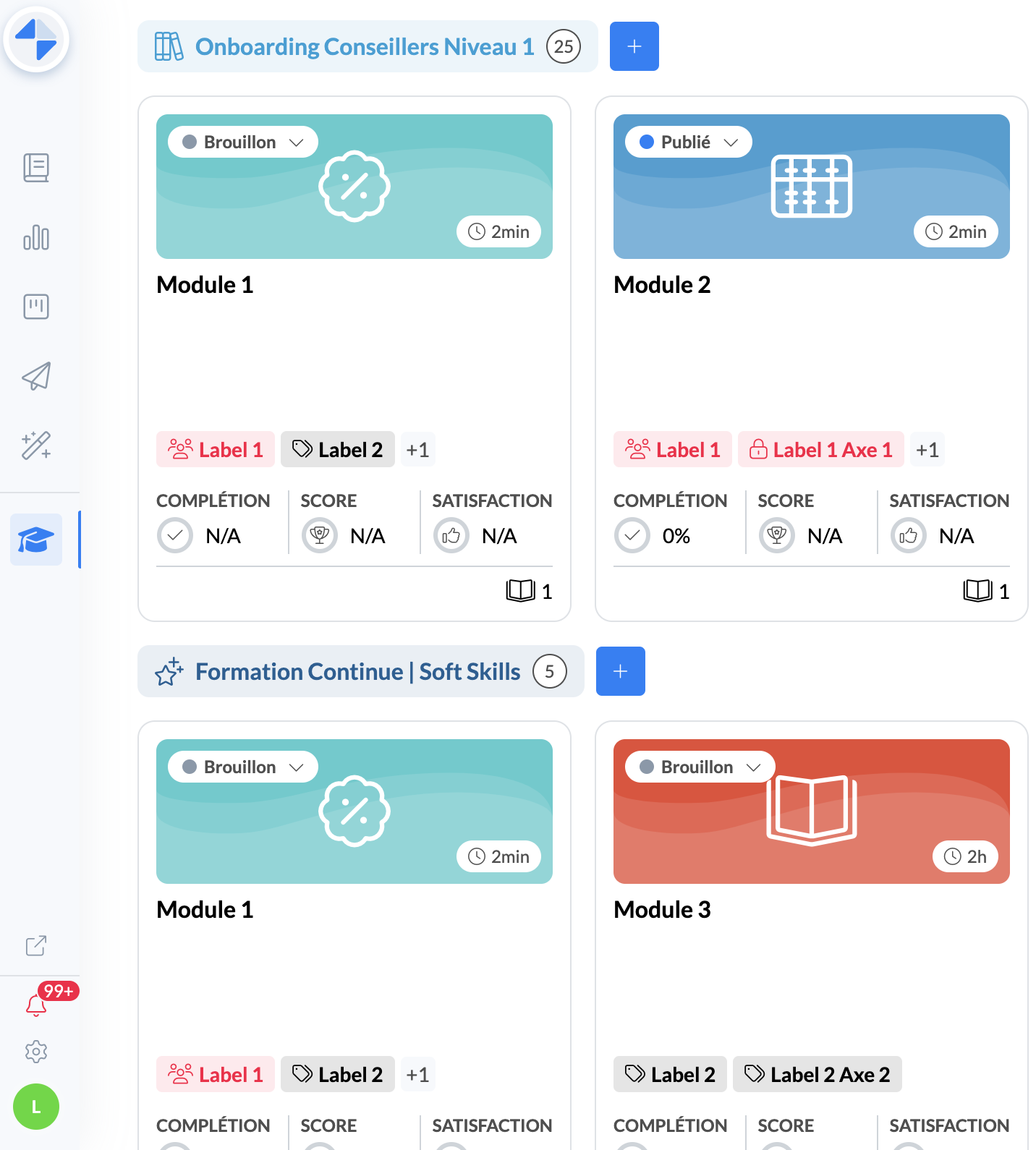
And voila! Your module will be assigned one or more labels that themselves belong to your training label categories.
You can then view the training labels assigned to the modules on your home page, directly on the cards of your modules.
Your modules are thus categorized and displayed within the various categories of previously created training labels.
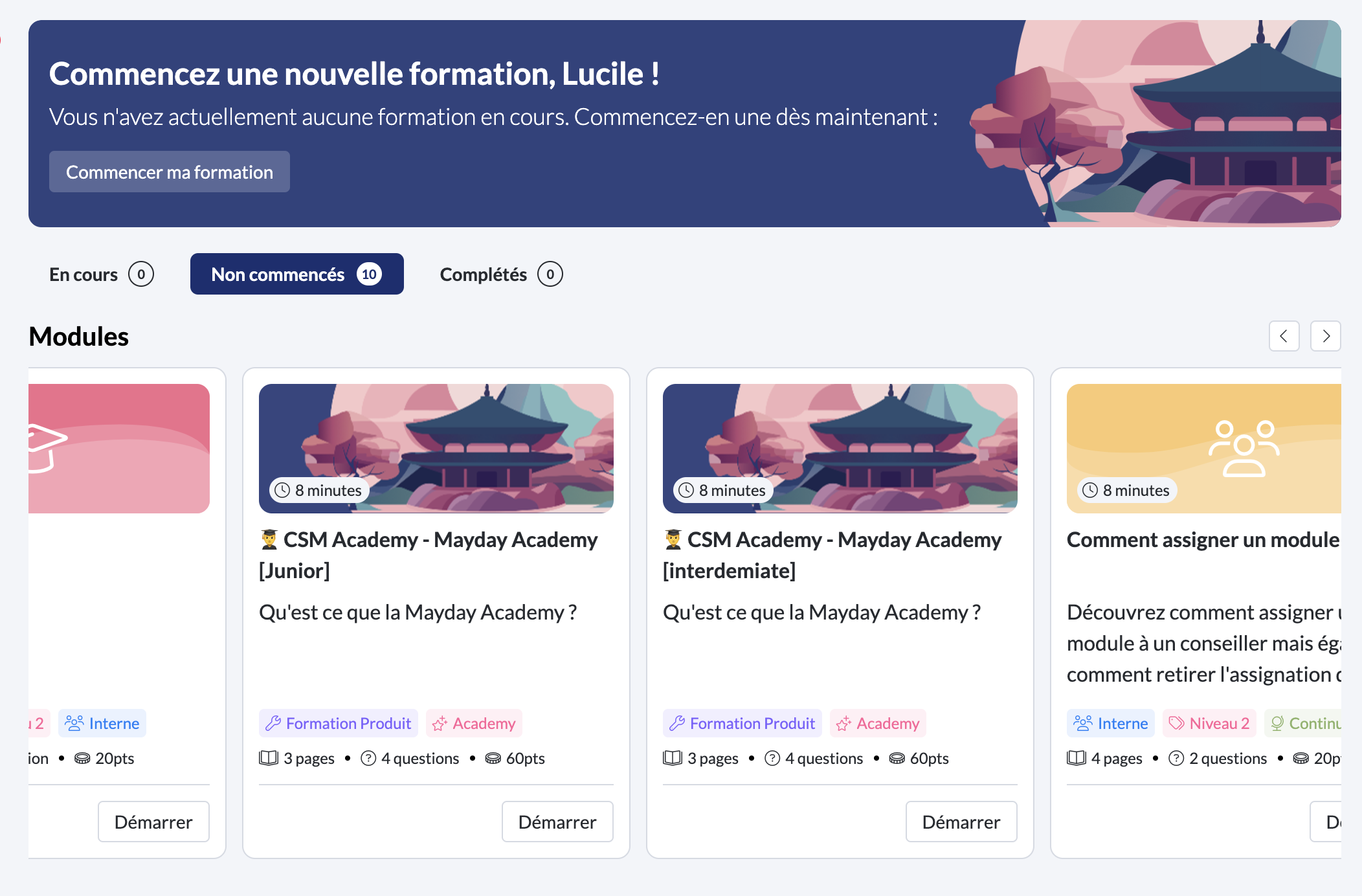
Your advisors can also view the labels associated with your modules from their Desk interface.