📕 Introduction
Discover in this content how to assign and publish modules from a training path.
🪄Assign and publish all the modules included in a path simultaneously with the publication and assignment of your paths
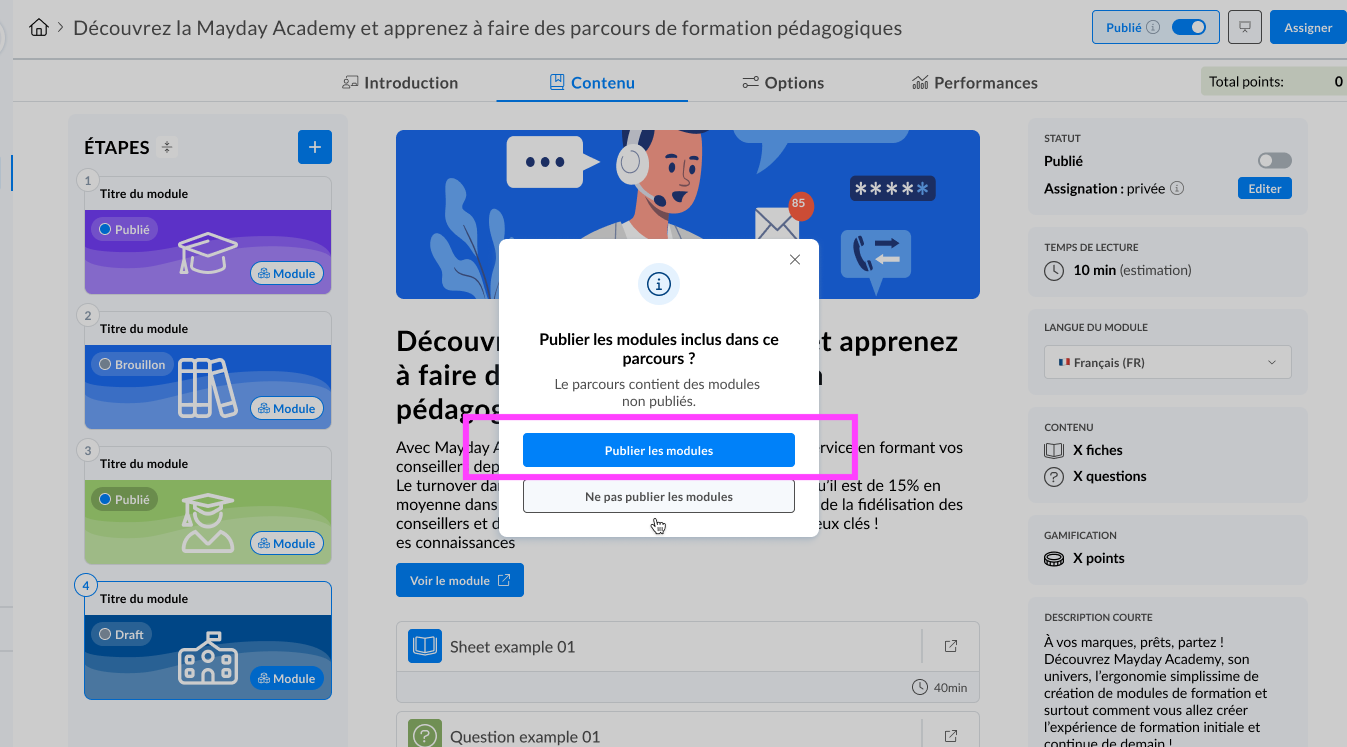
Mayday Academy admin interface - Publish all modules in a path
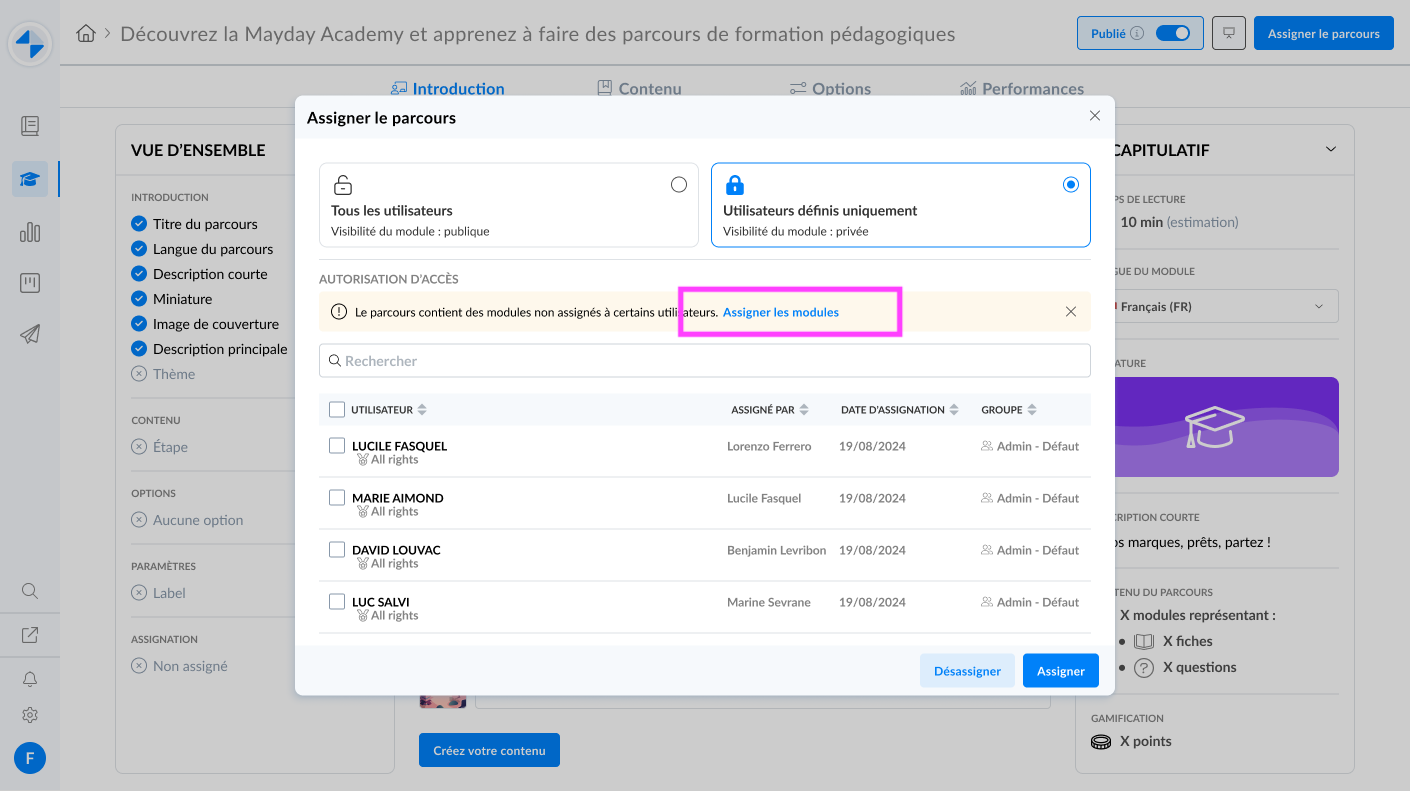
Mayday Academy admin interface - Assign all modules in a path
🤔 How to use the feature?
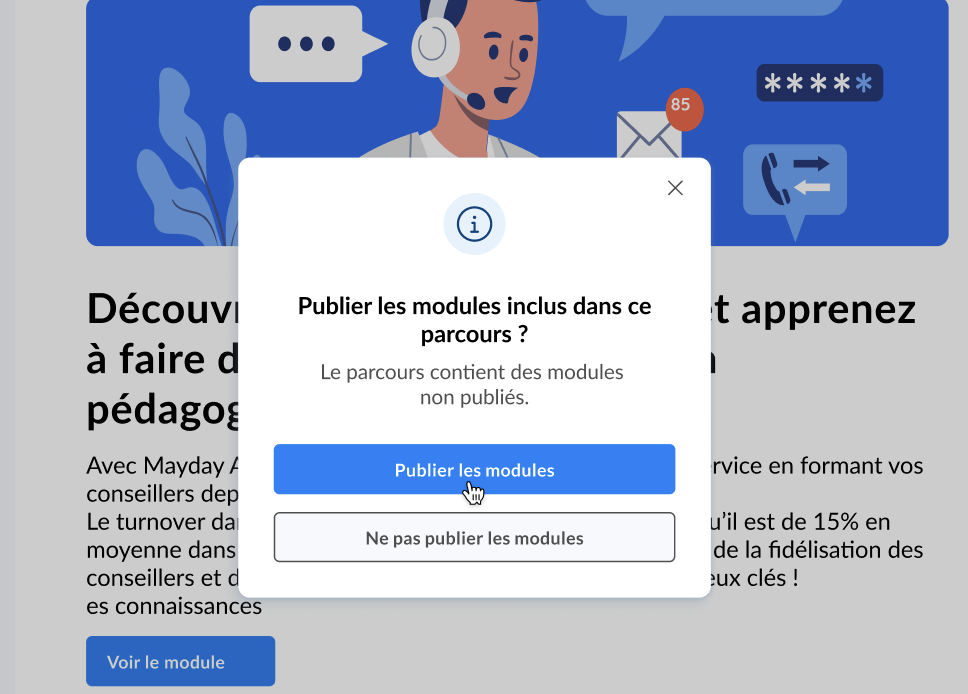
When publishing your paths, click "Assign modules" from the modal that appears
📸 Screenshot:
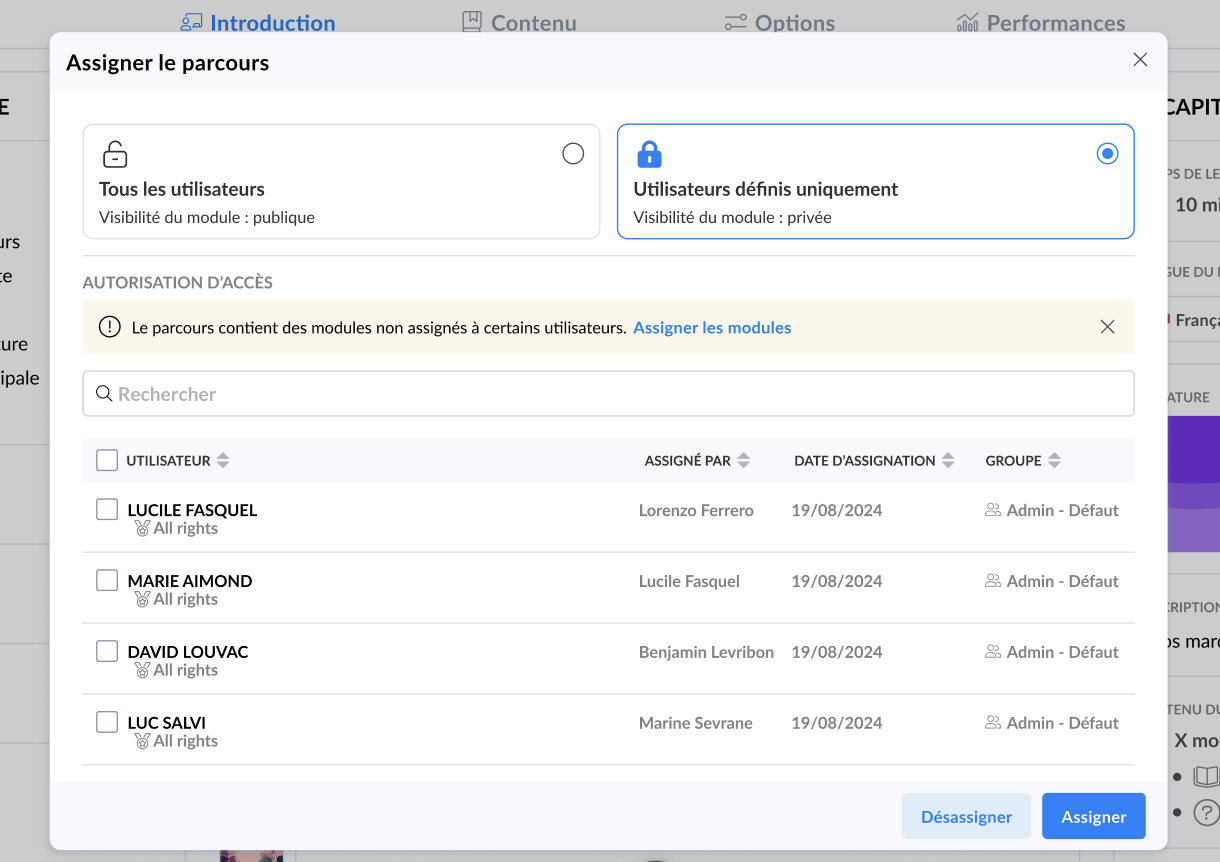
When assigning your paths, click "Assign modules" displayed in a block within the assignment modal
📸 Screenshot:
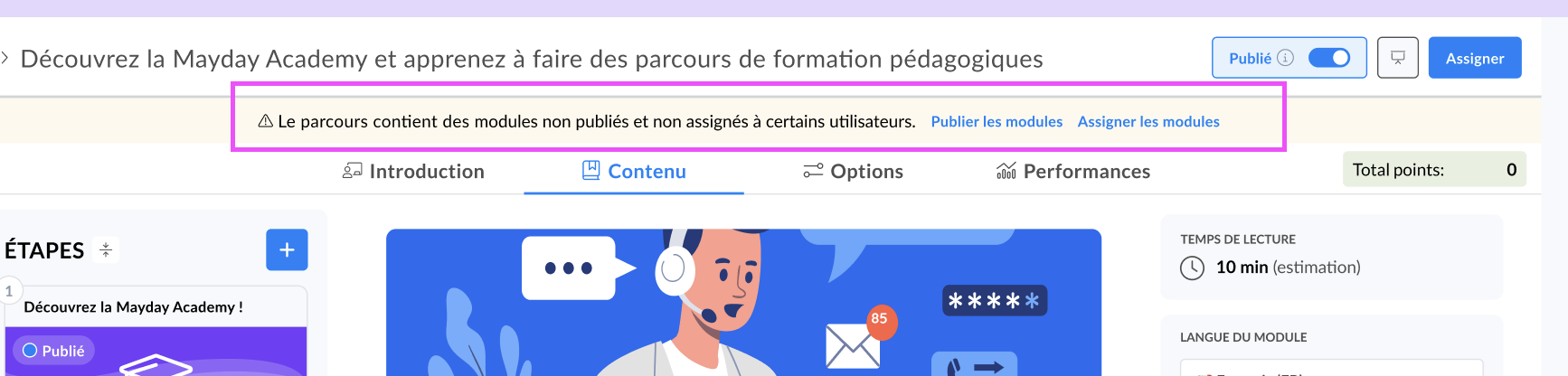
If you decided not to assign or publish the modules at a specific time, you can perform this action later by clicking "Assign modules" or "Publish modules" from the orange information block at the top of the page in your path content
📸 Screenshot:
Modules published from the path modal will correspond to the latest published version of these modules.
Recent updates to a module will not be published through this action if they have not been published from the module via the "save and publish" button.