✨ Create quizzes in 1 click with our new Mayday AI copilot
Generate quizzes in just seconds that can be integrated directly into your modules thanks to our copilot integrated into the Academy!
Save time and increase efficiency by asking Mayday AI to design your quiz slides using lesson notes, existing quizzes, and Mayday Knowledge content 🤩
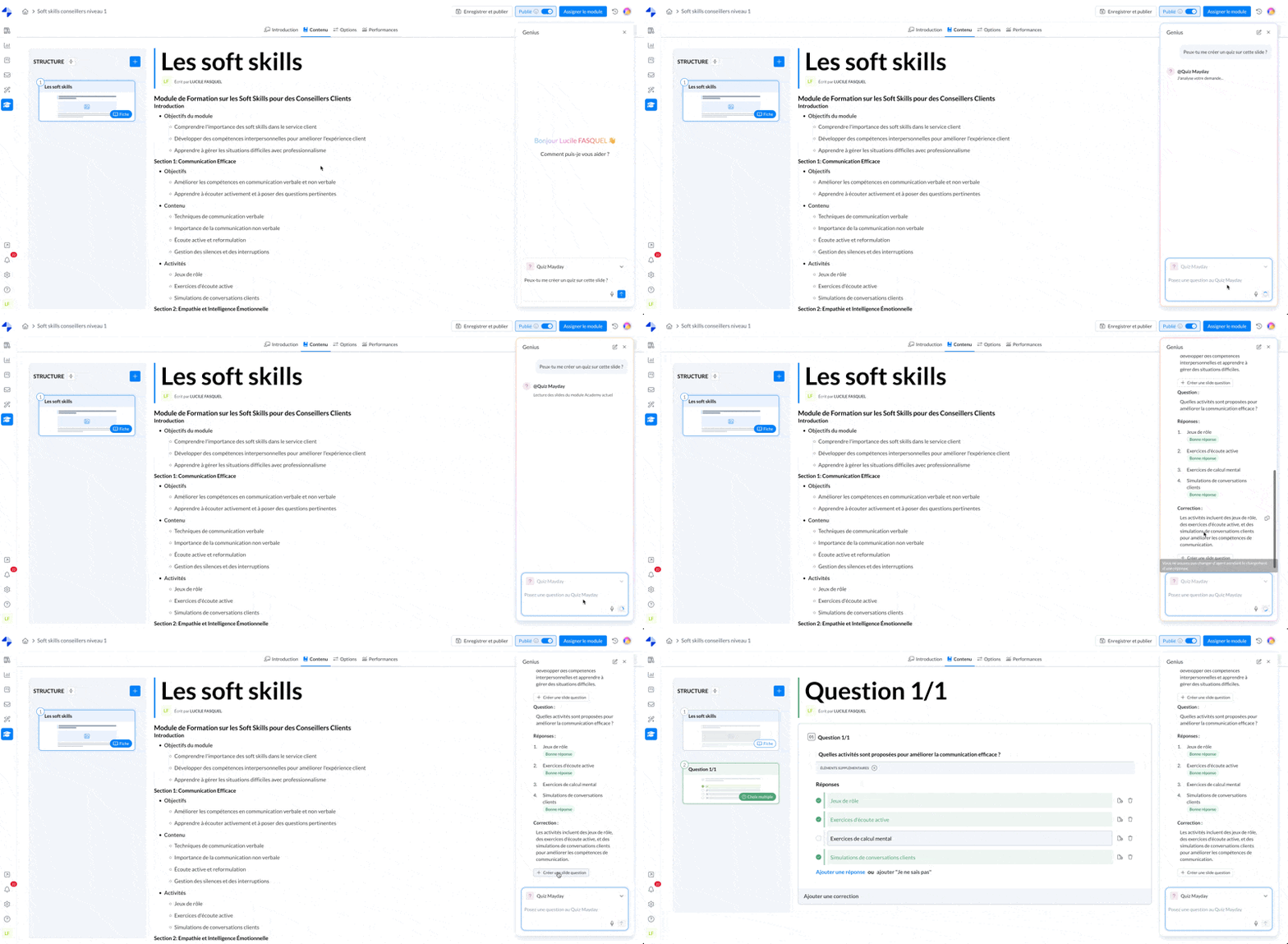
Mayday Academy Module - Quiz Generation Copilot Agent
✨ How to create a quiz with Mayday AI?
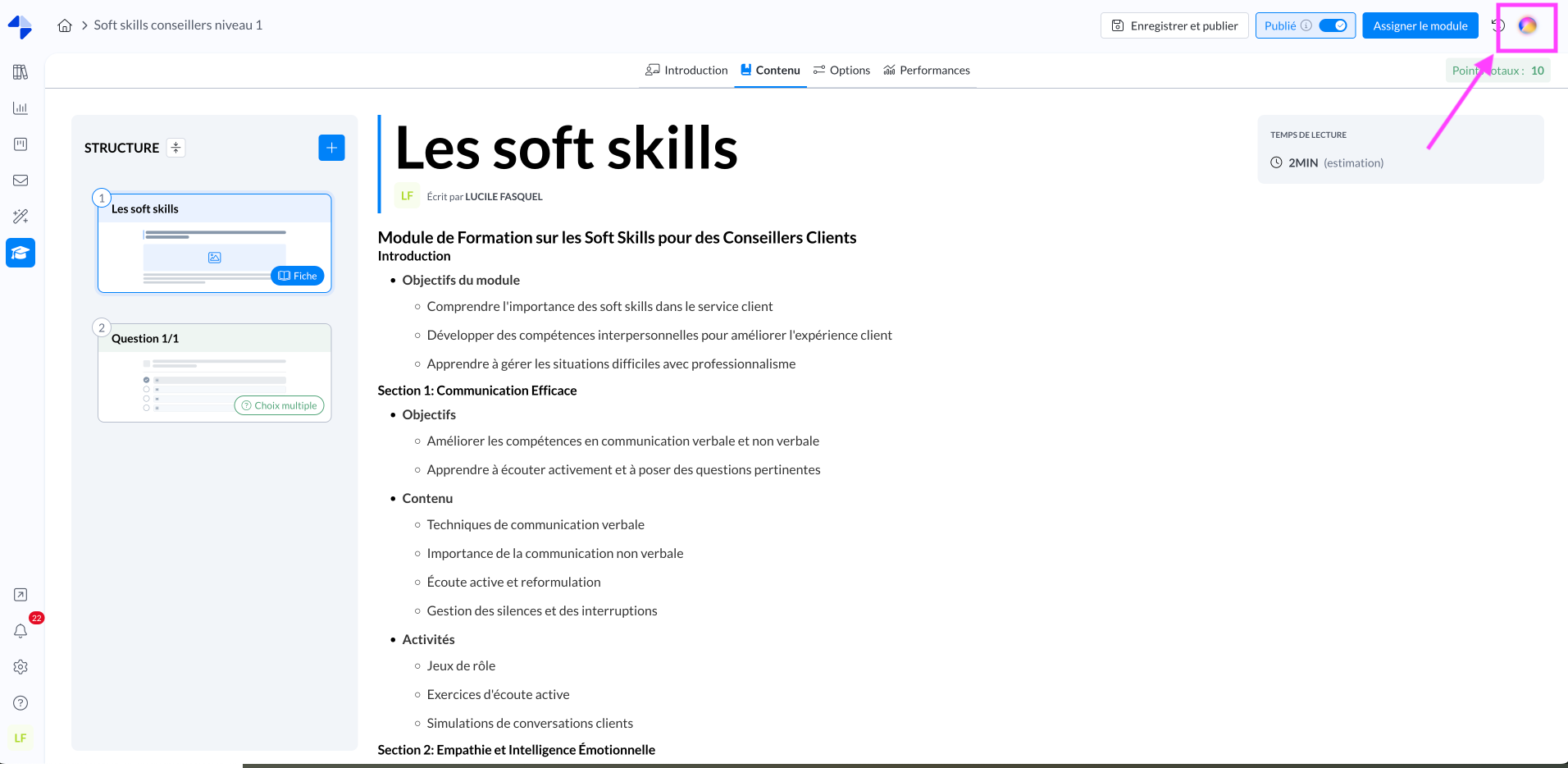
1⃣ Open the copilot by clicking on the sphere at the top right of the interface
Screenshot:
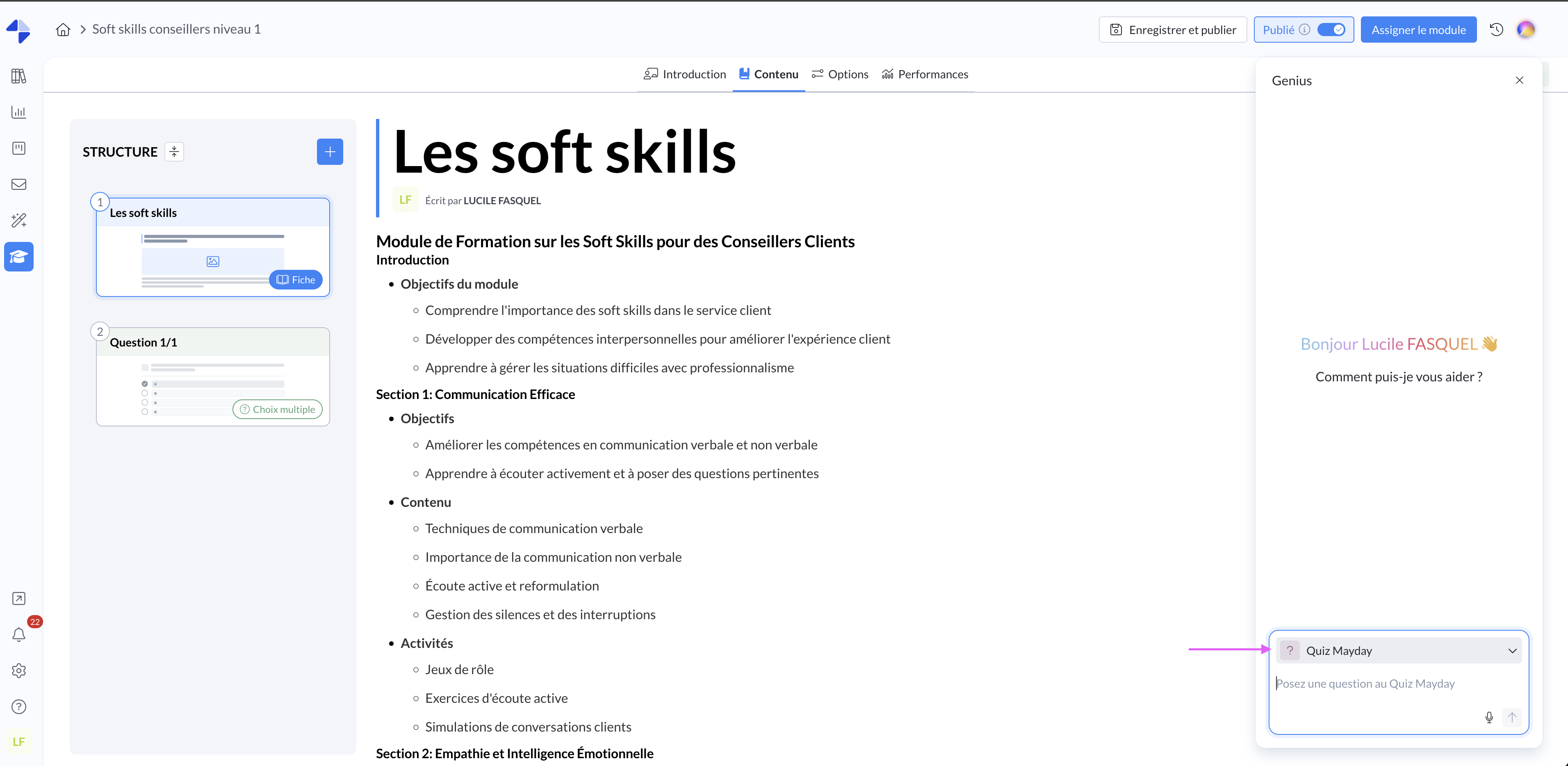
2⃣ Within the copilot, select the Quiz Generation Agent Mayday
Screenshot:
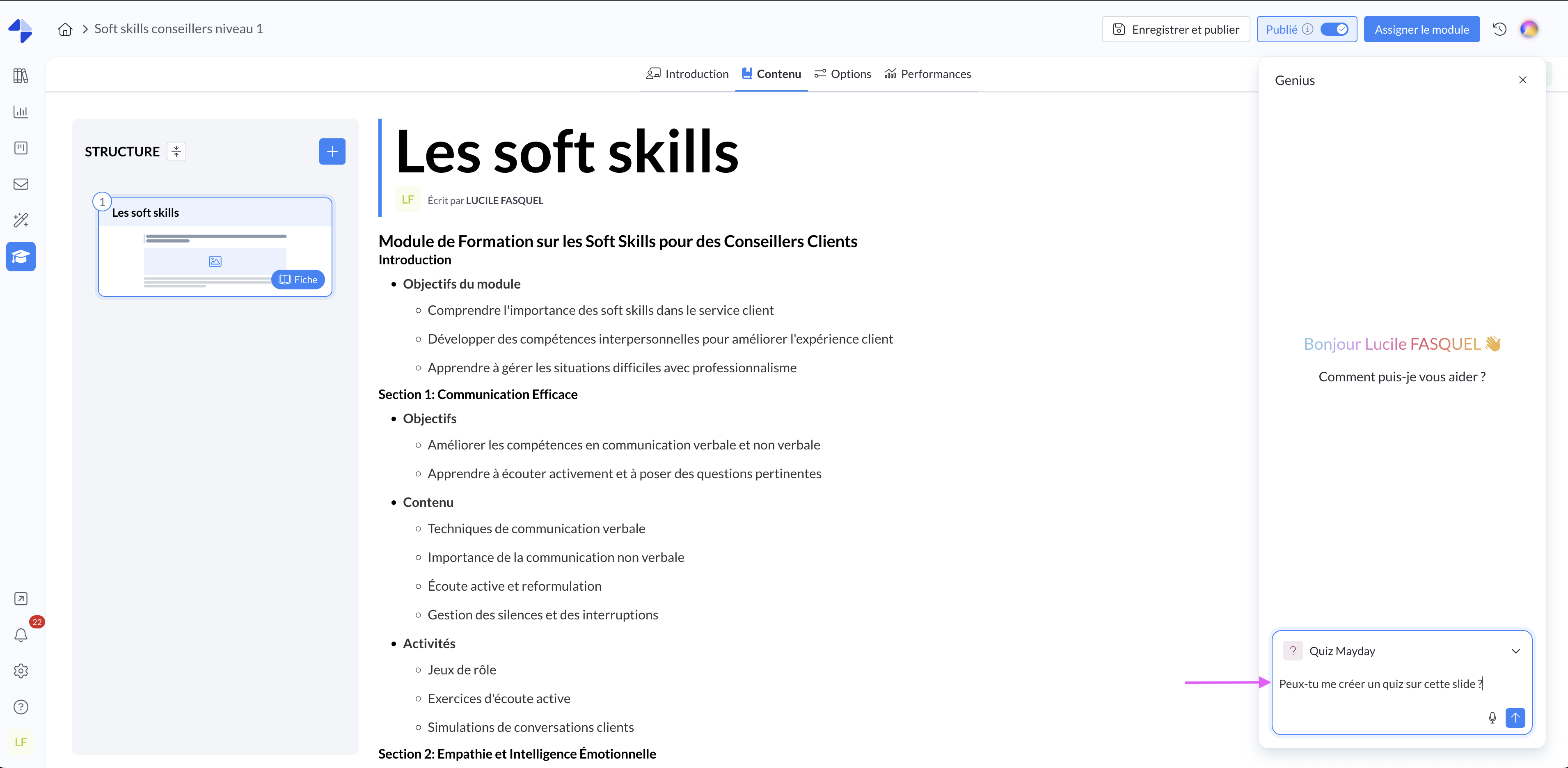
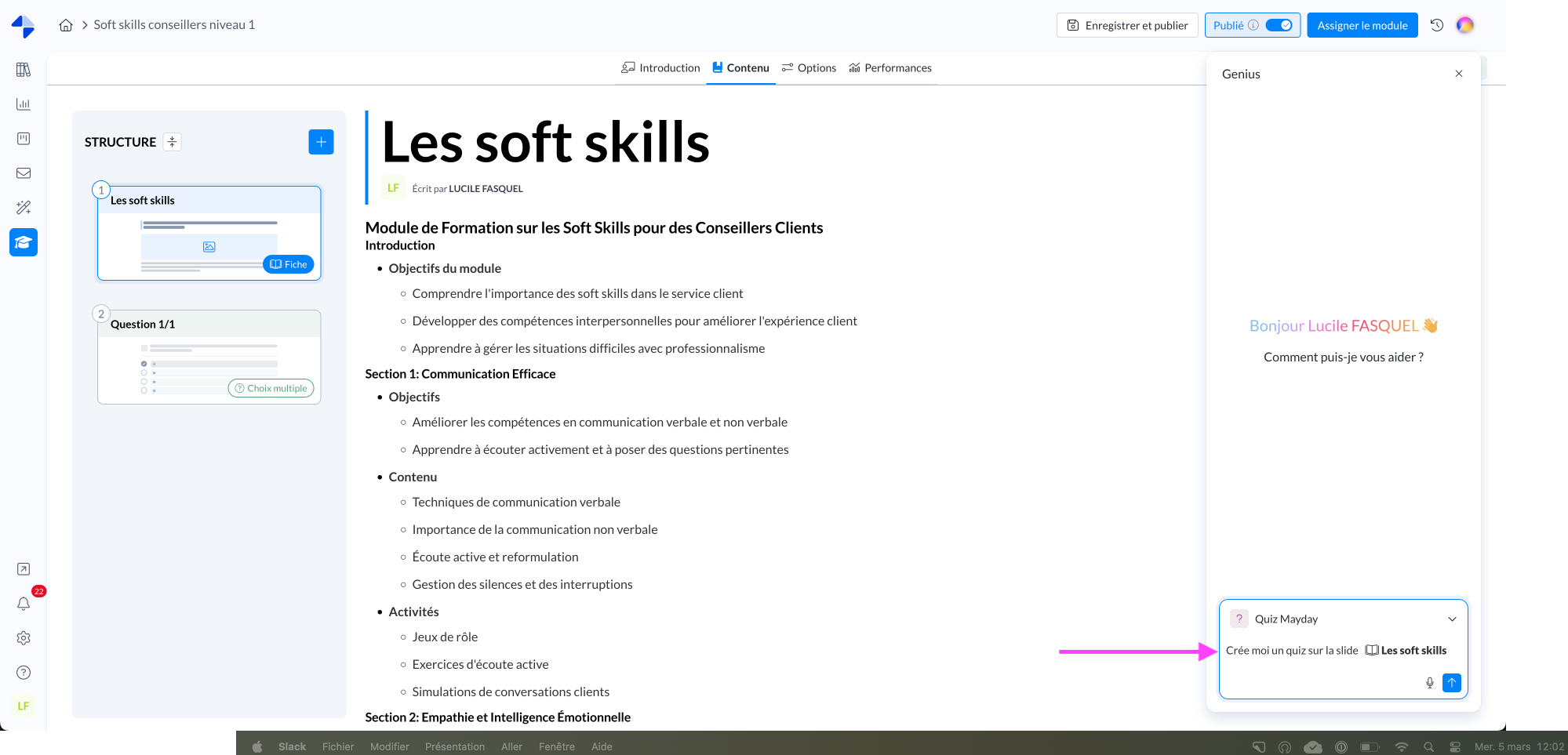
3⃣ Ask the agent to generate one or more quizzes based on:
Mayday content (by typing @ the content in question)
A step (slide or question) from one of your modules (by typing @ the slide in question or identifying it in natural language)
A prompt with elements in natural language only
Screenshot:
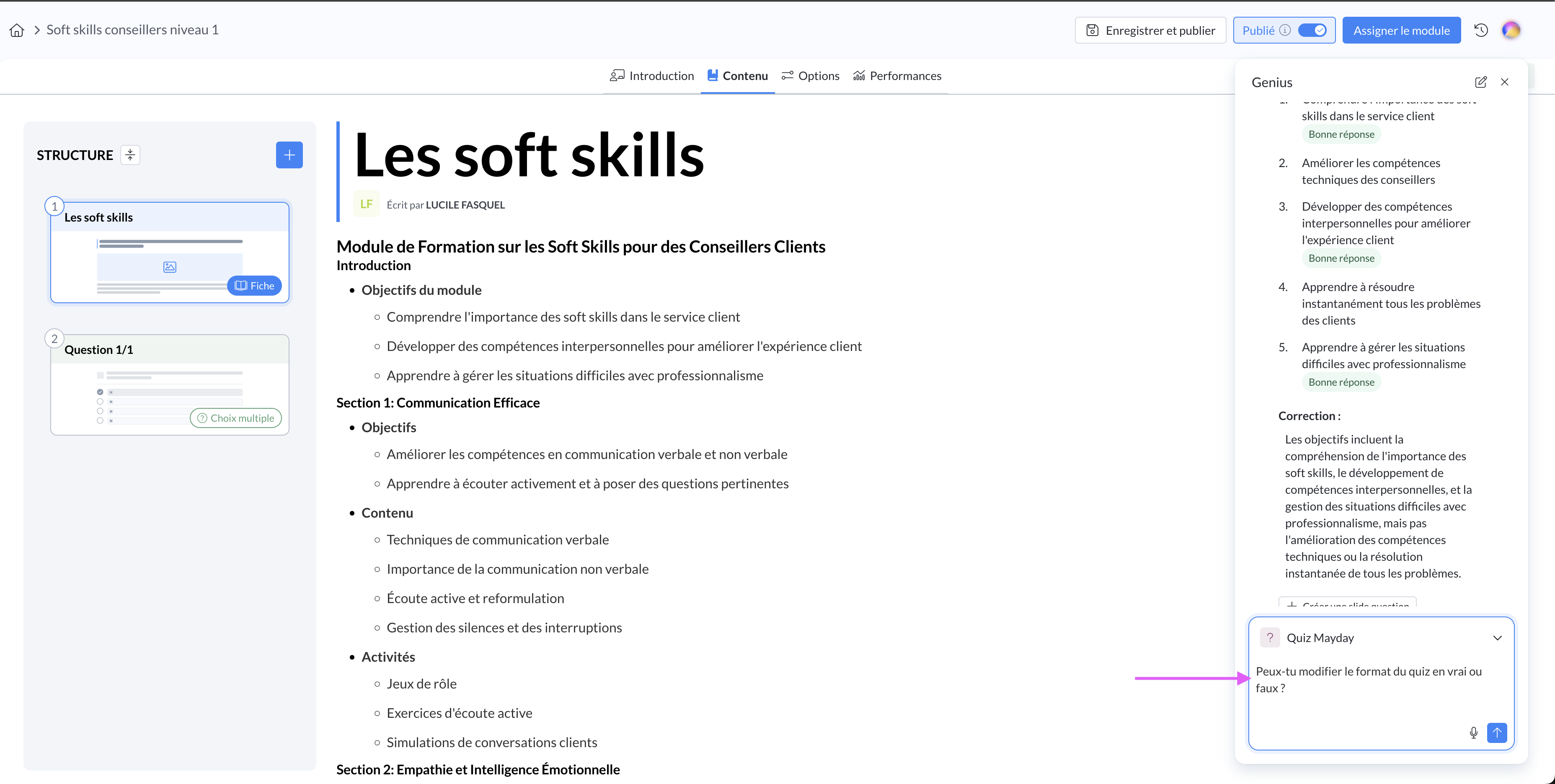
4⃣ If you are not fully satisfied with the result: chat with the AI agent once the quiz is generated to refine the result, ask it to specify certain elements, suggest a different quiz format, complicate the question, add more detailed correction, etc
Screenshot:
✨ How to integrate the quiz into the training module with Mayday AI?
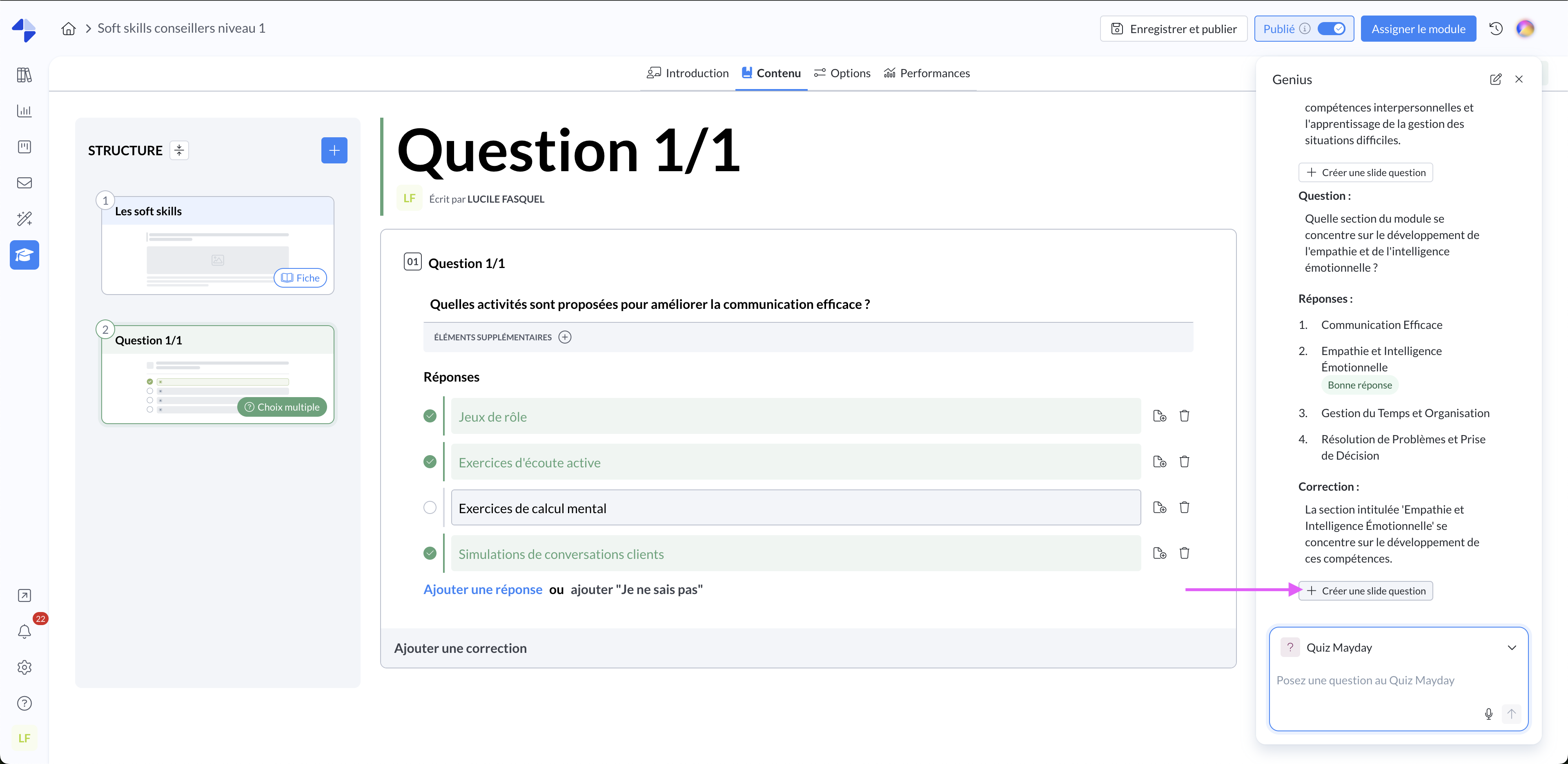
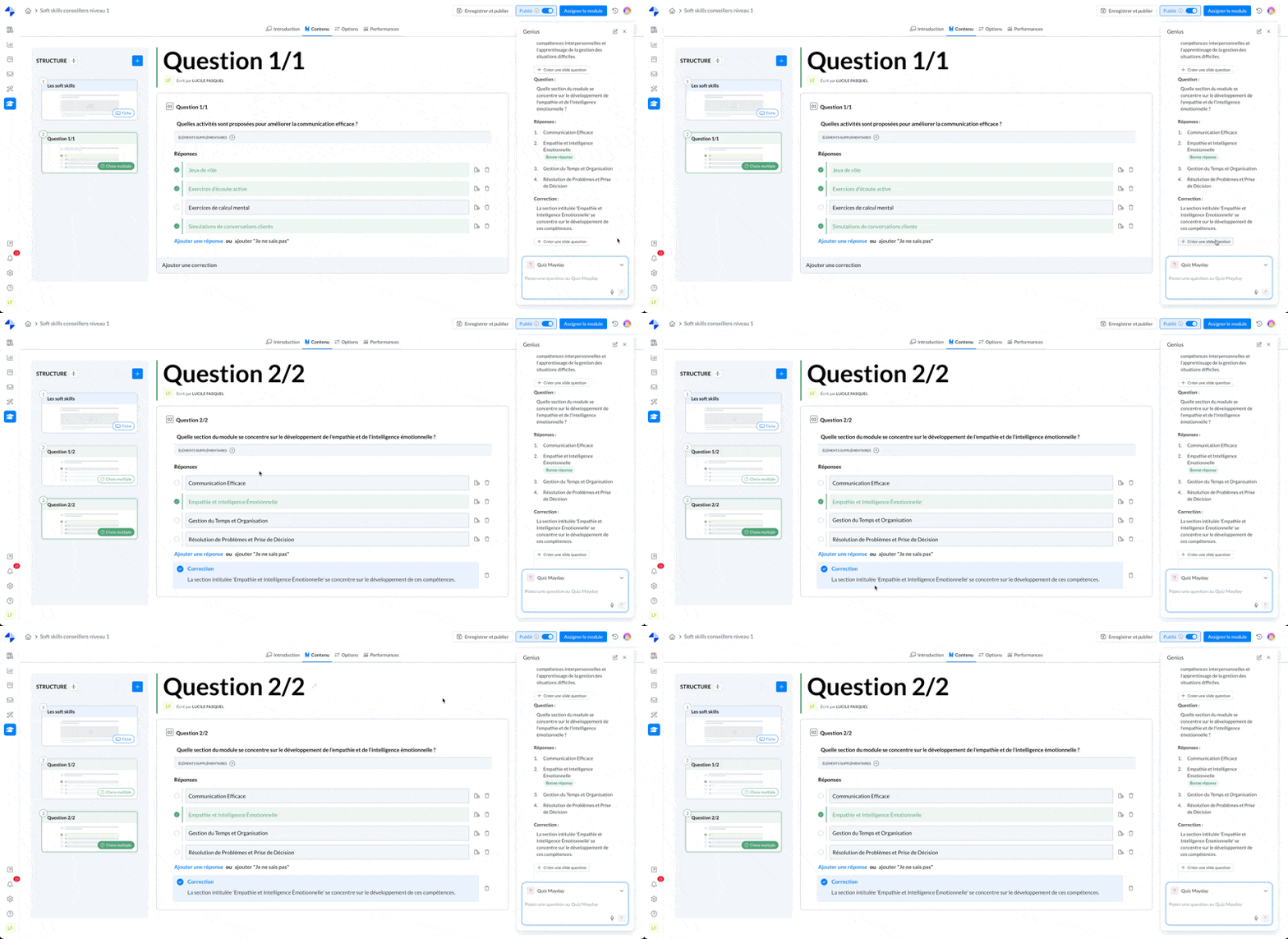
5⃣ Once satisfied, integrate the quiz(s) in one click by selecting "Create a question slide" in the Copilot. A question slide will automatically be added to your module with all pre-filled elements.
Screenshot:
Note: if you wish, you can also copy-paste the elements of the answer in the Copilot
To integrate the generated quiz with the copilot, you must be in a module of the Mayday Academy.