📕 Presentation
Discover in this diagnostic how to define the options of a training path
Visit your Mayday Academy interface

✍ How to define the options of a path?
Click on your path
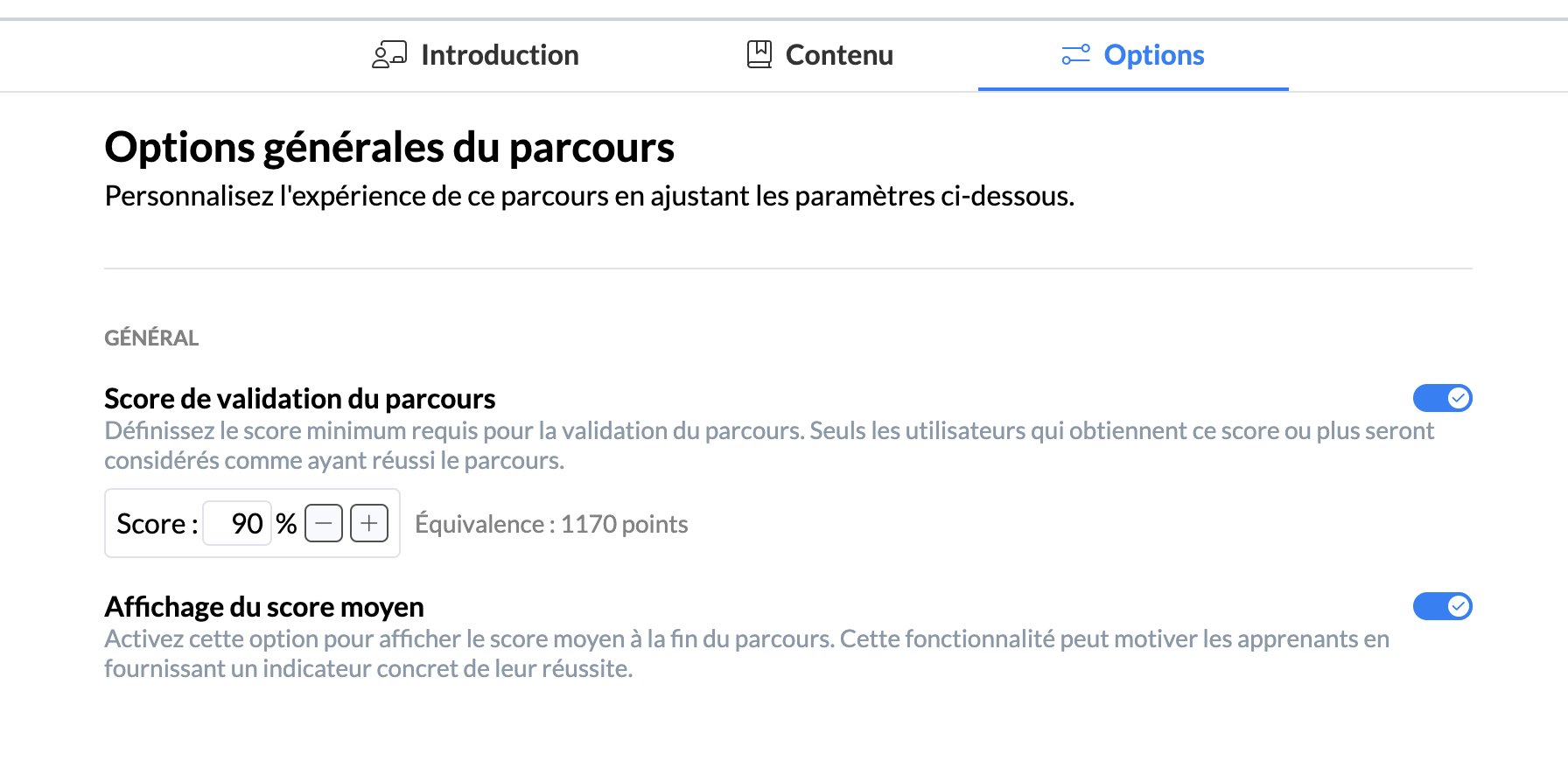
In the "Option" tab, configure the options of your path if you want to define:
a validation score your advisors must achieve
if this option is enabled, when your learners reach this score by validating enough modules within the path, they validate the path when it is completed.
the display of the average score so they can position themselves (coming soon)
if this option is enabled, when your learners complete their path, they can view on the completion page the average score of other learners in addition to their own score.
📸 Screenshot
And there you go! The options of your path are configured!