2⃣ Colors and Borders
The "Colors and Borders" subsection allows you to respect your company's graphic charter.
In this section, you can modify 4 elements:
The main color: that is, the color that will be displayed by default in the header, as well as on the main elements such as the content summary, the "back to top" button, etc.
If you later download custom CSS code, you may overwrite this setting.

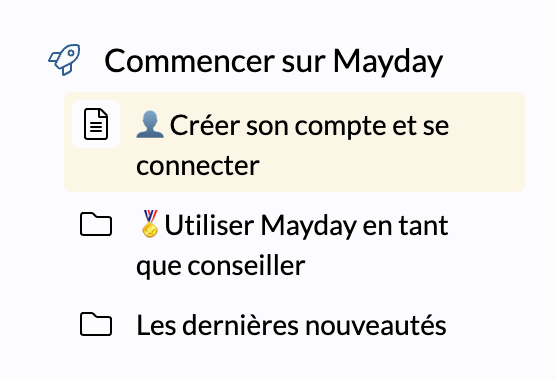
The secondary color: that is, the color that will be displayed on secondary elements of the page such as the background of focused content.
The header color: that is, the color of the main navigation bar containing the company logo.
By default, this color is the same as the main color.
The border radius: that is, the appearance of borders (
border-radius), such as the search bar, the different plugins you will add...