4⃣ Layout
The "Disposition" subsection allows you to choose the layout and navigation experience in the knowledge base.
In this section, you can choose from 3 parameters:
The choice of the main layout: that is, the way the contents of your public site will be displayed. You have 2 options:
Classic: This is a 3-6-3 layout. In this configuration, you will have 3 columns:
A first column taking up 1/4 of the page to accommodate the contents of the open collection.
The central column taking up half of the page to accommodate the content.
The last column taking up 1/4 of the page to accommodate the table of contents and the various plugins activated (with the exception of satisfaction).
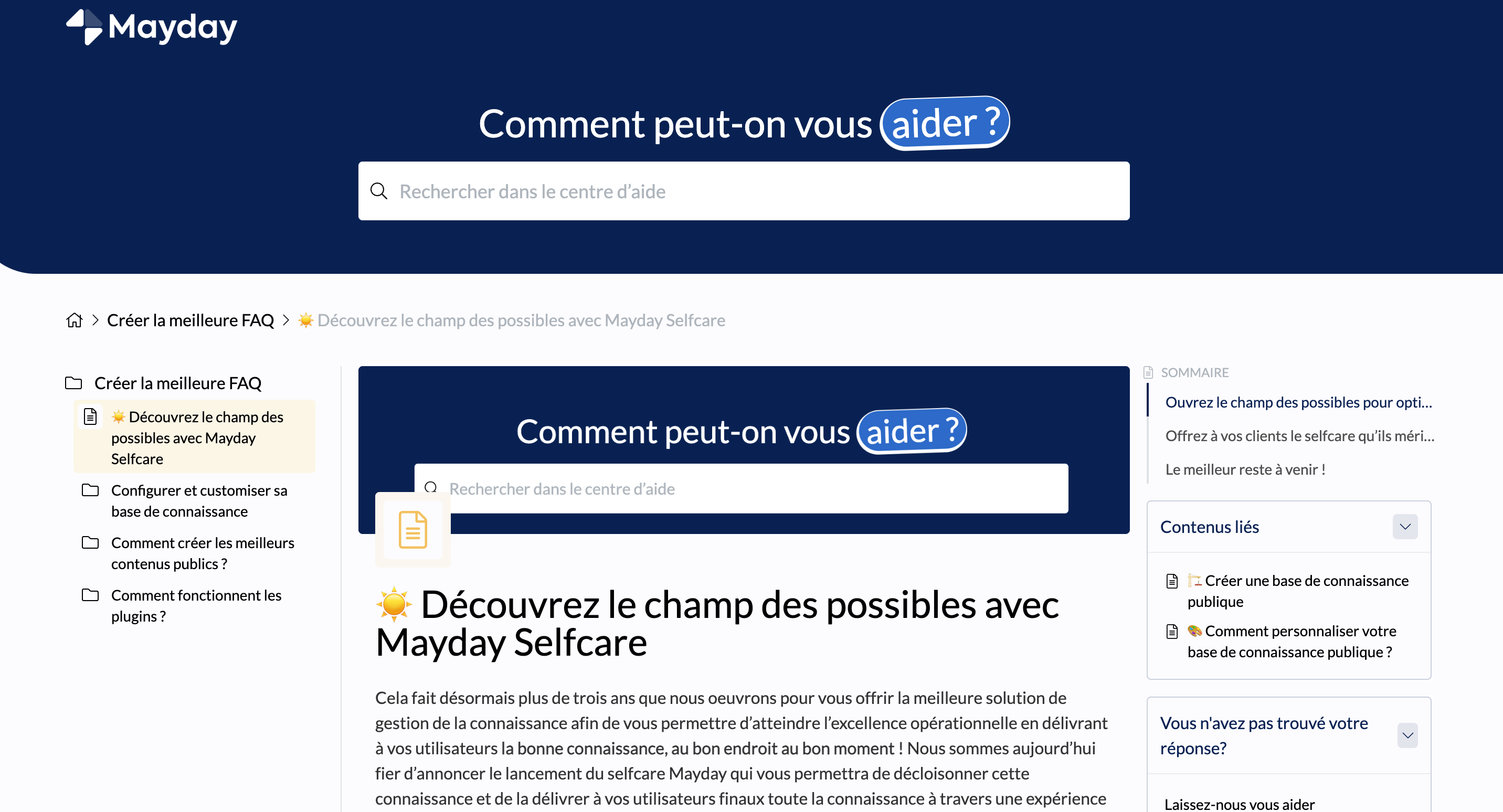
Alternative: This is a 4/8 layout. In this configuration, you will have 2 columns:
A first column taking up 1/4 of the page to accommodate the contents of the open collection.
A second column taking up 3/4 of the page, accommodating the content and activated plugins.
The choice of the header layout: that is, the way the header section will behave, especially the search engine. You have 2 options:
Classic: In this case, the header will take up 1/3 of the page on the homepage of your public site and then retract to 60px during navigation.
Alternative: In this case, the header will always take up 1/3 of the page on the homepage and on content pages.
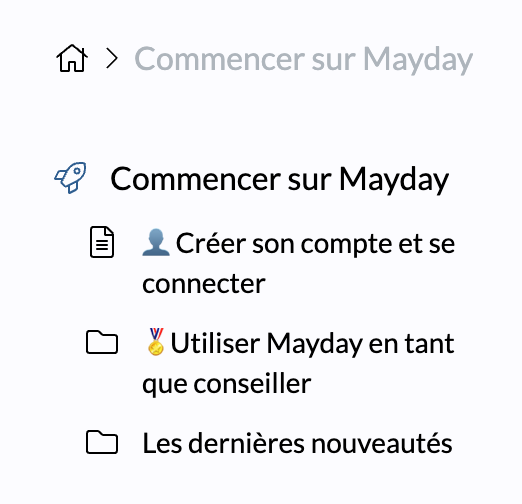
The choice of the navigation mode: that is, the way navigation will behave in the collections of the public site. You have 2 options:
Classic : In this case, the side navigation will allow you to open collections and navigate through different related collections.
Alternative :In this case, you will only see the focused collection in the central column in the left bar.