By activating this plugin, you will be able to define pinned content on the homepage of your external knowledge base to guide your customers to the most consulted content and effectively answer frequent questions.
⚙ Actions to perform
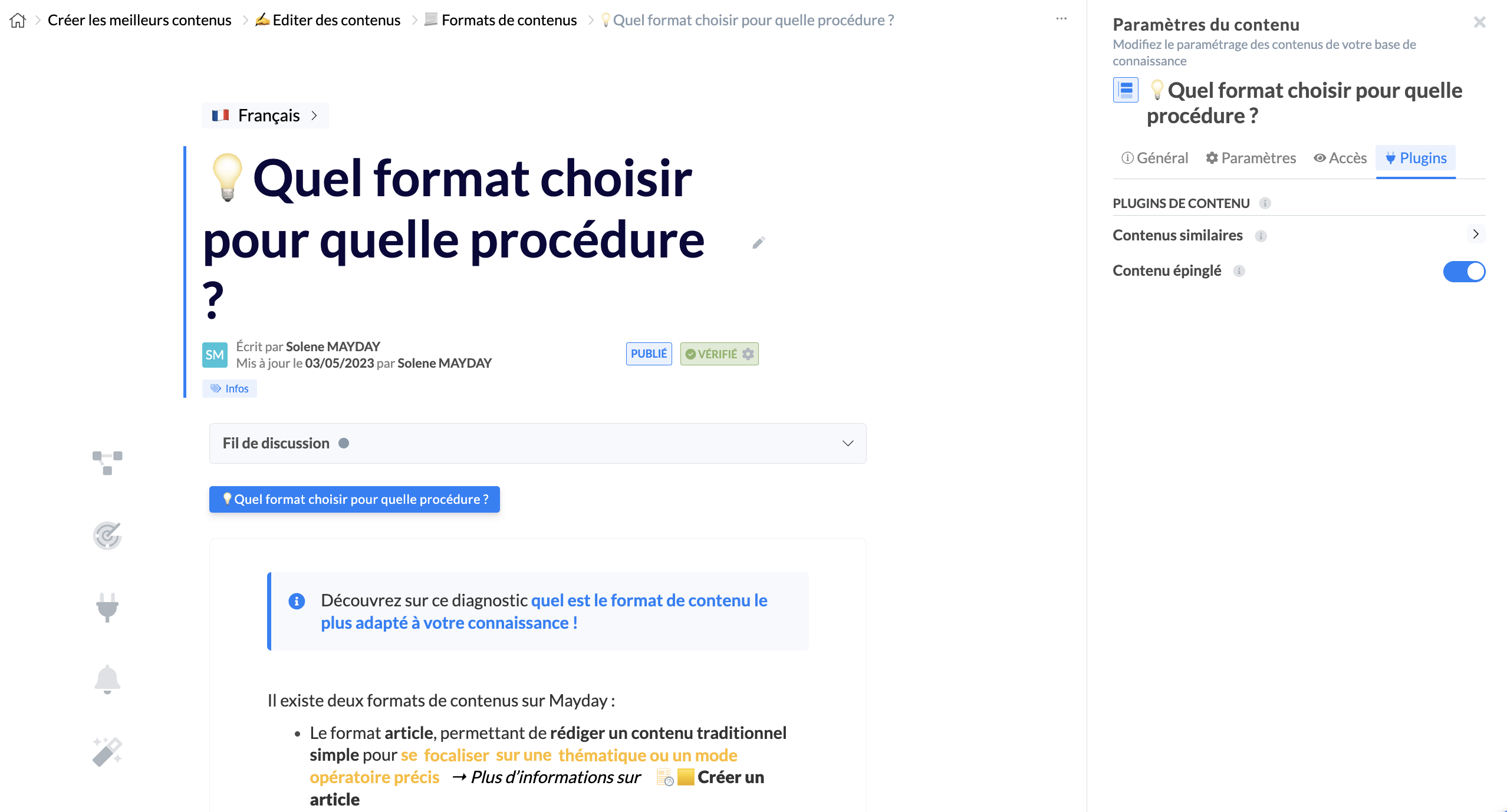
To do this, you need to go to a content, in the settings of this content then in the " Plugins" section and activate " Pinned content ".
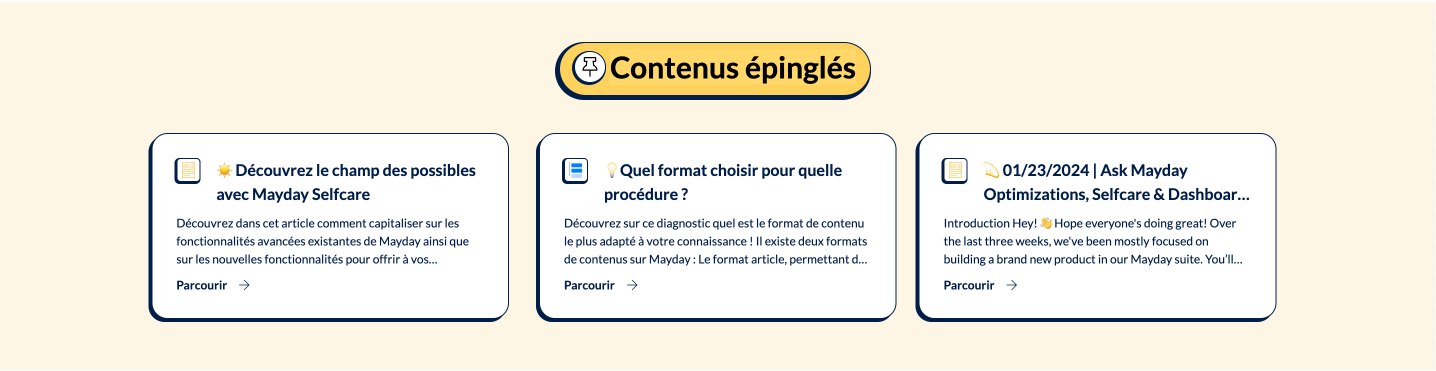
Thus, under the collections of the homepage, your customers will see the section 📌 Pinned content with the content you have chosen.
Next Steps:
Back