💡 Define custom attributes
Mayday detects the context of interactions based on custom attributes provided by the ticketing software.
Once the integration with the software is set up, you will need to define the custom attributes that you find relevant to use.
First, we invite you to "map" the scenarios.
Here are some relevant questions to ask yourself:
Do your customers contact you through a contact form?
Do you bring data from the CRM into your contact software?
Are ticket priority fields assigned at ticket opening or post-resolution?
The answers to these questions will allow you to import the relevant custom attributes to set up your automations.
Let's take the example of a bank that customers contact through a form to request the forwarding of their bank card.
You can retrieve the value of the contact form to proactively suggest the "Forwarding CB" process when an advisor opens the ticket.
⚙ Import custom attributes on Mayday
In the "Automations" tab, the "Attributes" section is currently empty.
To import custom attributes on Mayday, follow these steps:
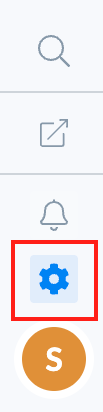
Click on the "
Settings" section at the bottom left of the page;📸 View access to the settings section
Click on "
Integration Catalog";Click on Salesforce;
Click on "
Attributes";📸 View access to attributes
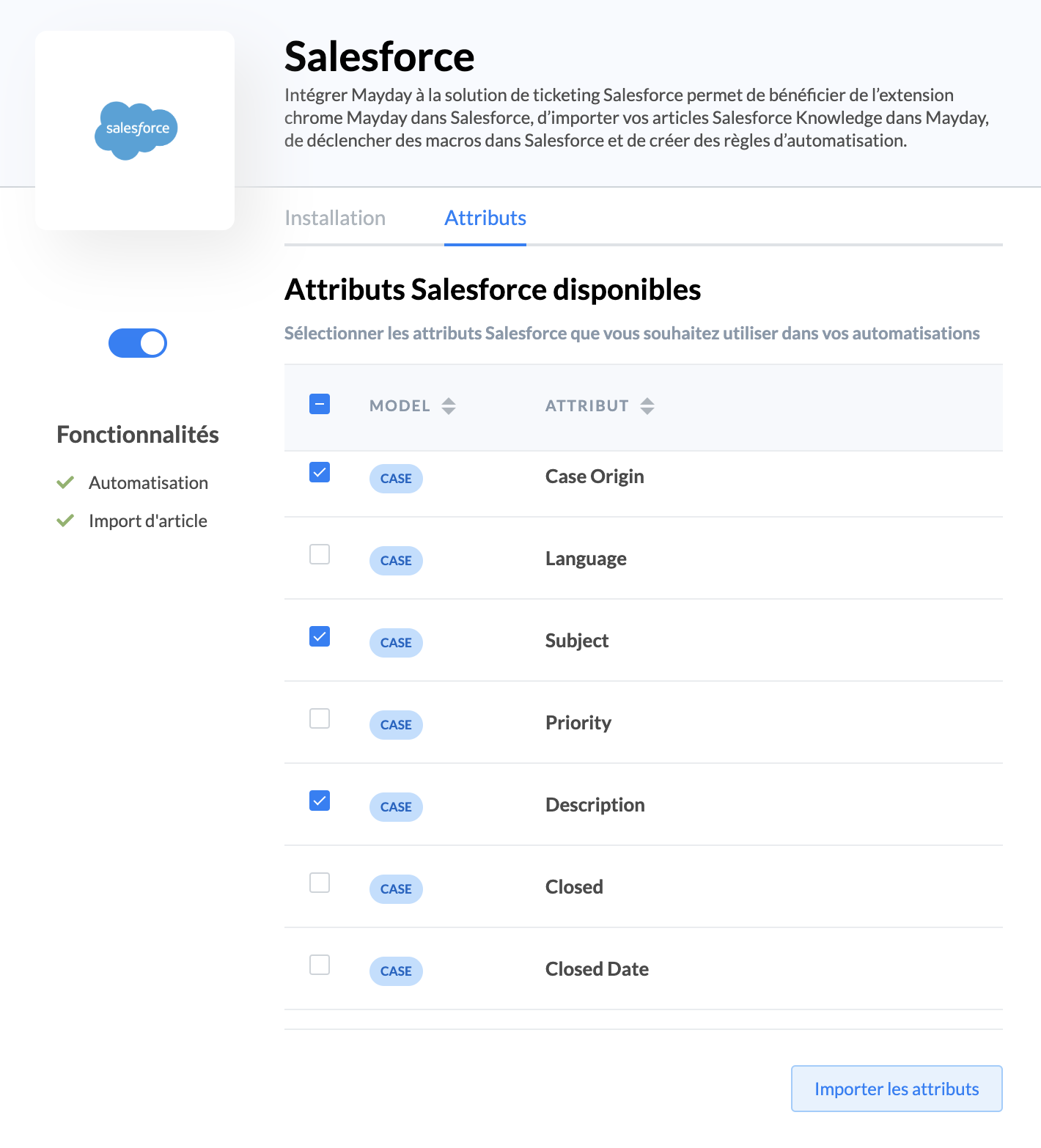
Check the attributes you want to import;
The list of your attributes integrated into Mayday is updated!
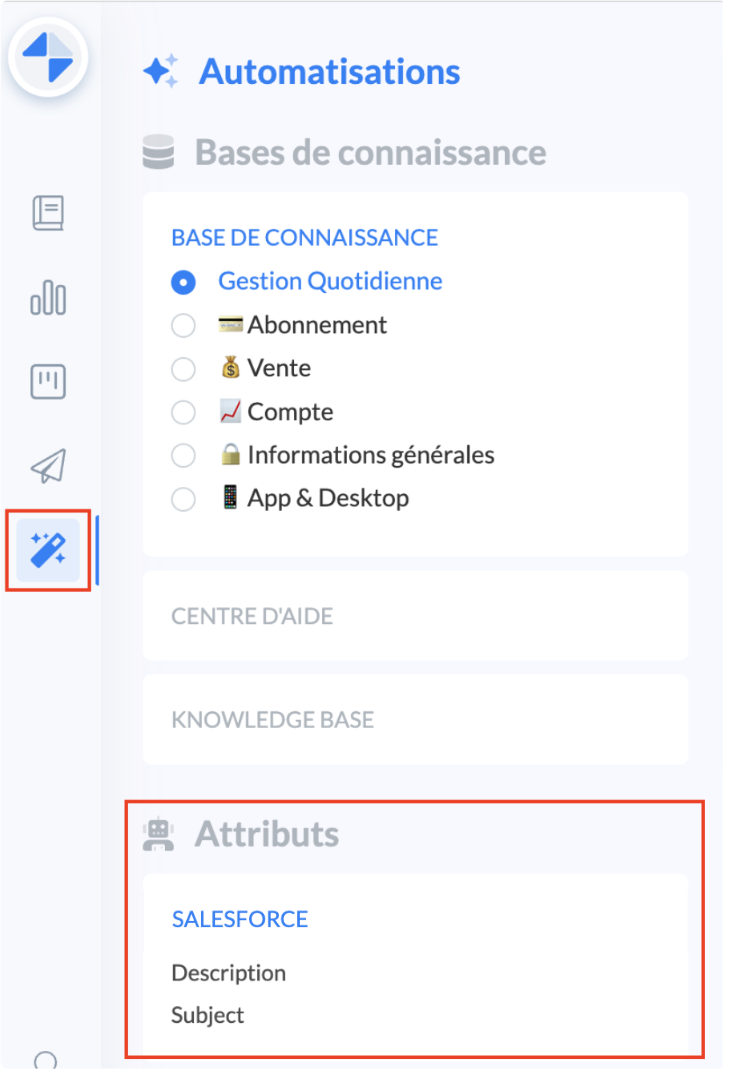
You can import new attributes useful for creating new automations at any time by going to the settings.
➡ Next step
You will now be able to create your rules based on these attributes: