Discover on this content the features to publish your content.
An article or a guide can be categorized in two possible ways:
Draft
Published
👉 An article or a guide, when created, will automatically be considered as "Draft" until the status is manually changed by an admin, or automatically via the implementation of a publication date.
👉 Conversely, a collection will, by default, be directly published. The collection will therefore be empty until articles/guides are integrated and published.
🎯 Use cases
Publish complete and up-to-date content to make it instantly accessible to your advisors.
Put content back in draft when it is obsolete or when you want to make a significant modification.
❌ "Draft" status

Draft content is not visible on the knowledge base and is therefore not available for consultation by advisors.
The goal is to allow the administrator to create their content until it is ready to be made available to advisors.
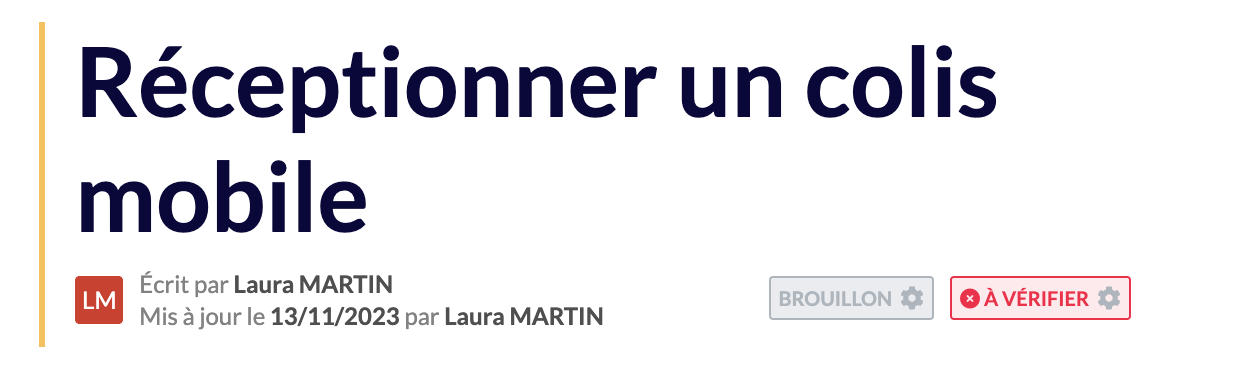
It is not possible to put a single step in draft in a guide. The guide will be put in draft in its entirety and will therefore not be visible to advisors.
✅ "Published" status

Published content is visible on the knowledge base and is therefore available for consultation by advisors.

🚦 Change the status of your content
To change the status of your content Draft <> Published, you have 2 possibilities:
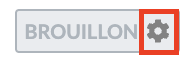
Click on the term "Draft" or "Published" so that the status is changed and the content is made visible or invisible to advisors directly.
Plan a publication date so that the content is published on a specific date.
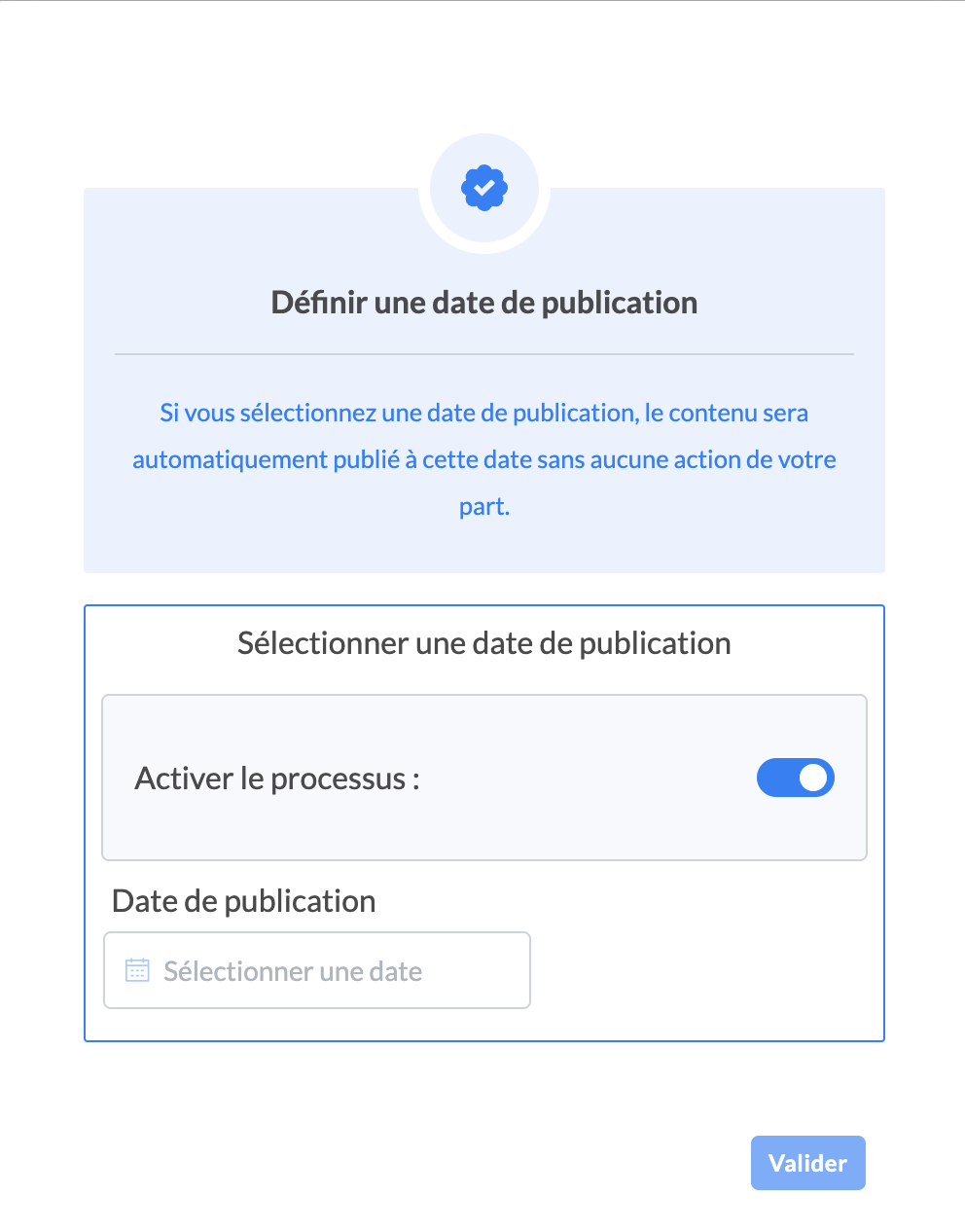
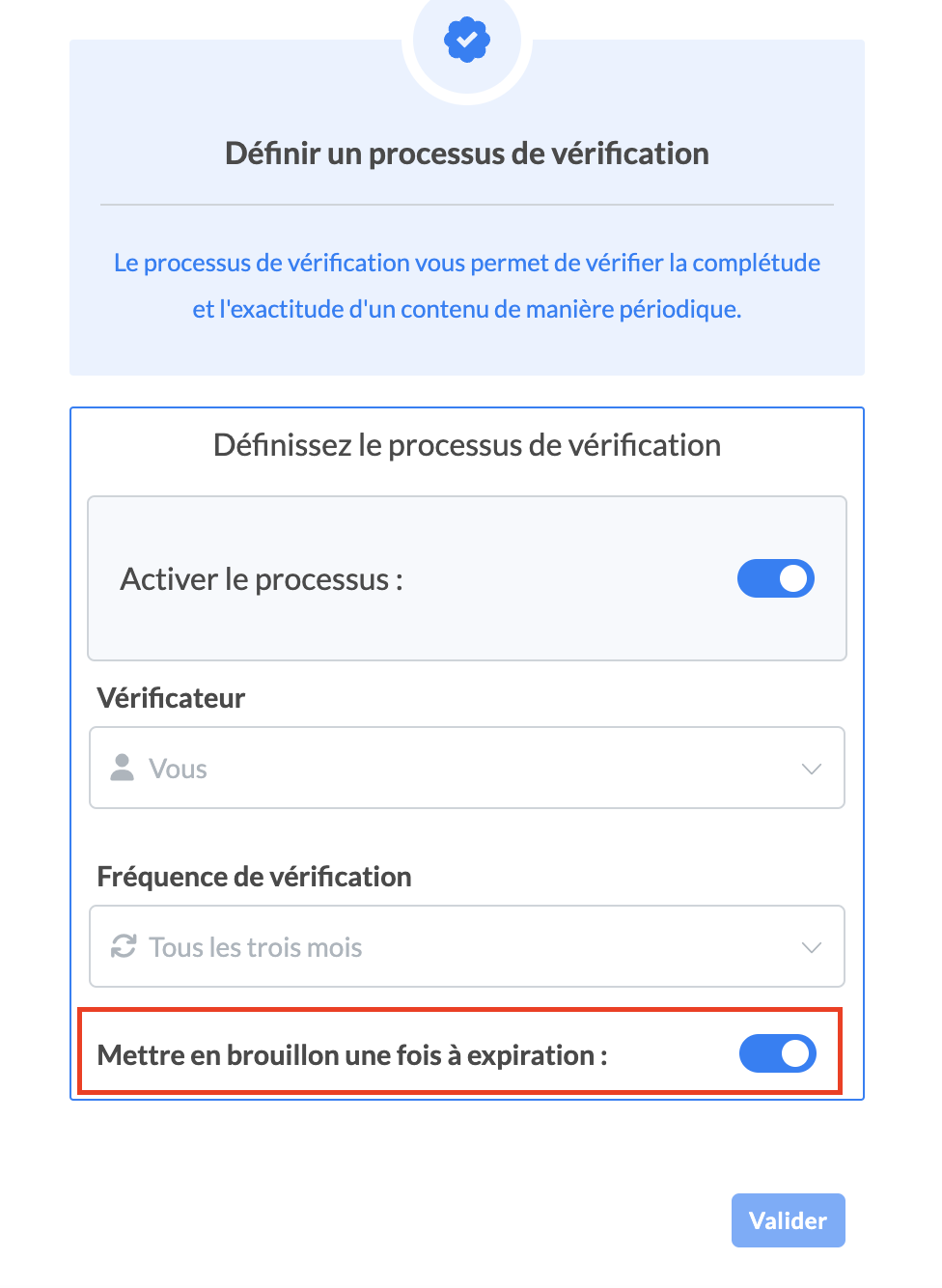
It is also possible to put content in draft from a verification process (see )
It is recommended to update published content rather than putting it in "Draft" during the modification process because advisors will no longer have access to the process until it is republished. This rule applies in case of minor modification.
💡Tips for a global overhaul following content obsolescence
We recommend that you remove the article or guide while it is being updated, and then notify your teams of the changes using the "Notification" feature, which you can find all the information on in the article