In this article, discover how Mayday AI allows you to translate all your multilingual content in one click.
🤔 Why?
On Mayday, it is possible to create multilingual knowledge bases, allowing you to deliver knowledge in multiple languages, according to the needs of your advisors and your customers.
However, translating all your content into multiple languages turns out to be a more than time-consuming task.
👉 Thanks to Mayday AI, it is possible to translate content into all the languages available on the knowledge base, in just one click.
⚙ How to use it?
Important : Les instructions de traduction via l’IA peuvent être personnalisées selon vos besoins, critères et préférences. Pour plus d’informations, veuillez consulter le contenu suivant :
1⃣ Creation of content in new languages
When you create content in a language, it is time-consuming to translate this content into all the other languages in which you want to create this content.
Thus, when creating content in a new language, you will be offered to automatically translate this content into this new language, based on the existing content in the other language.
You just need to:
Write content in a given language;
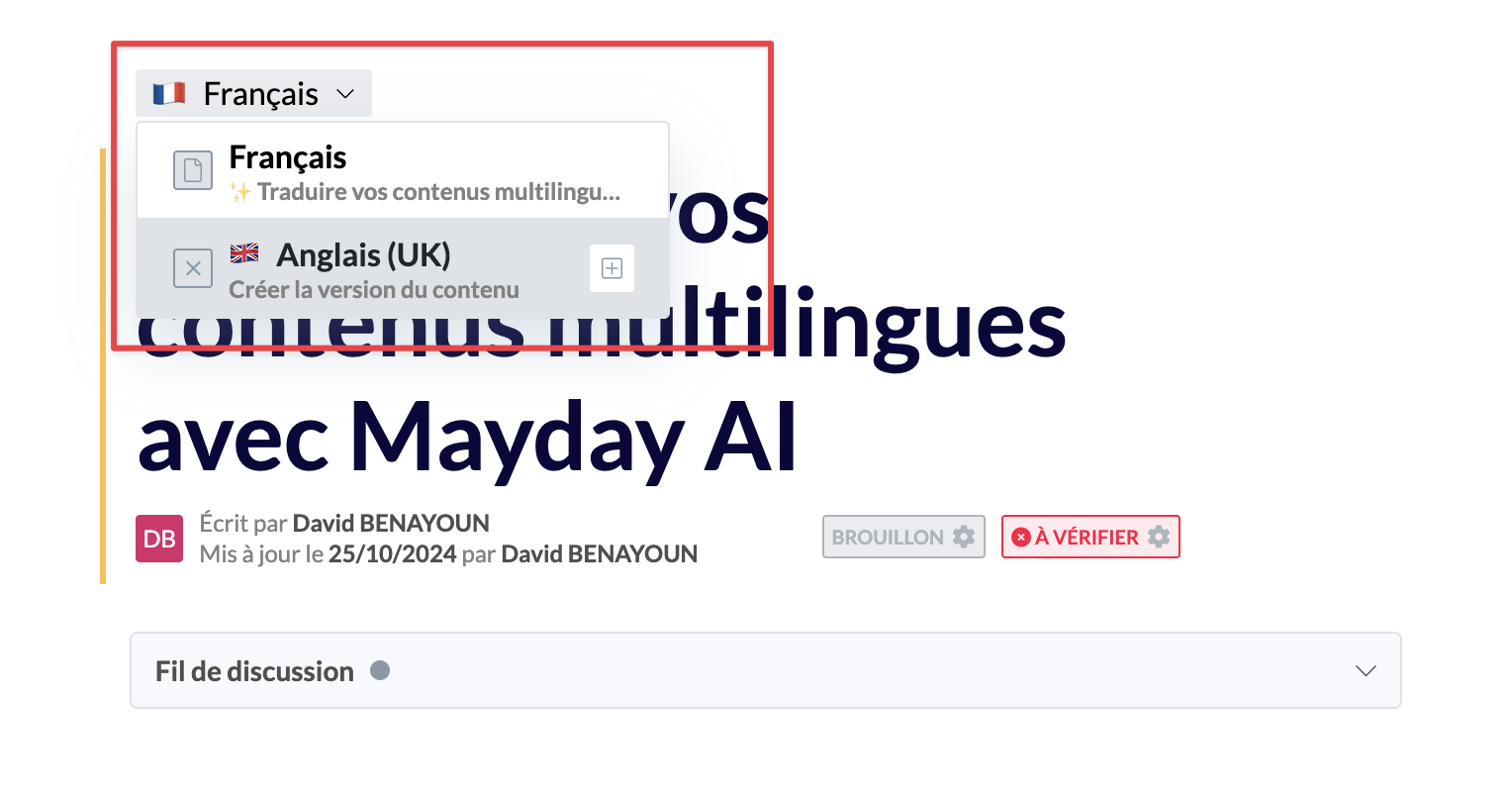
Create this content in a new language;
📸 Where to click to create content in a new language?
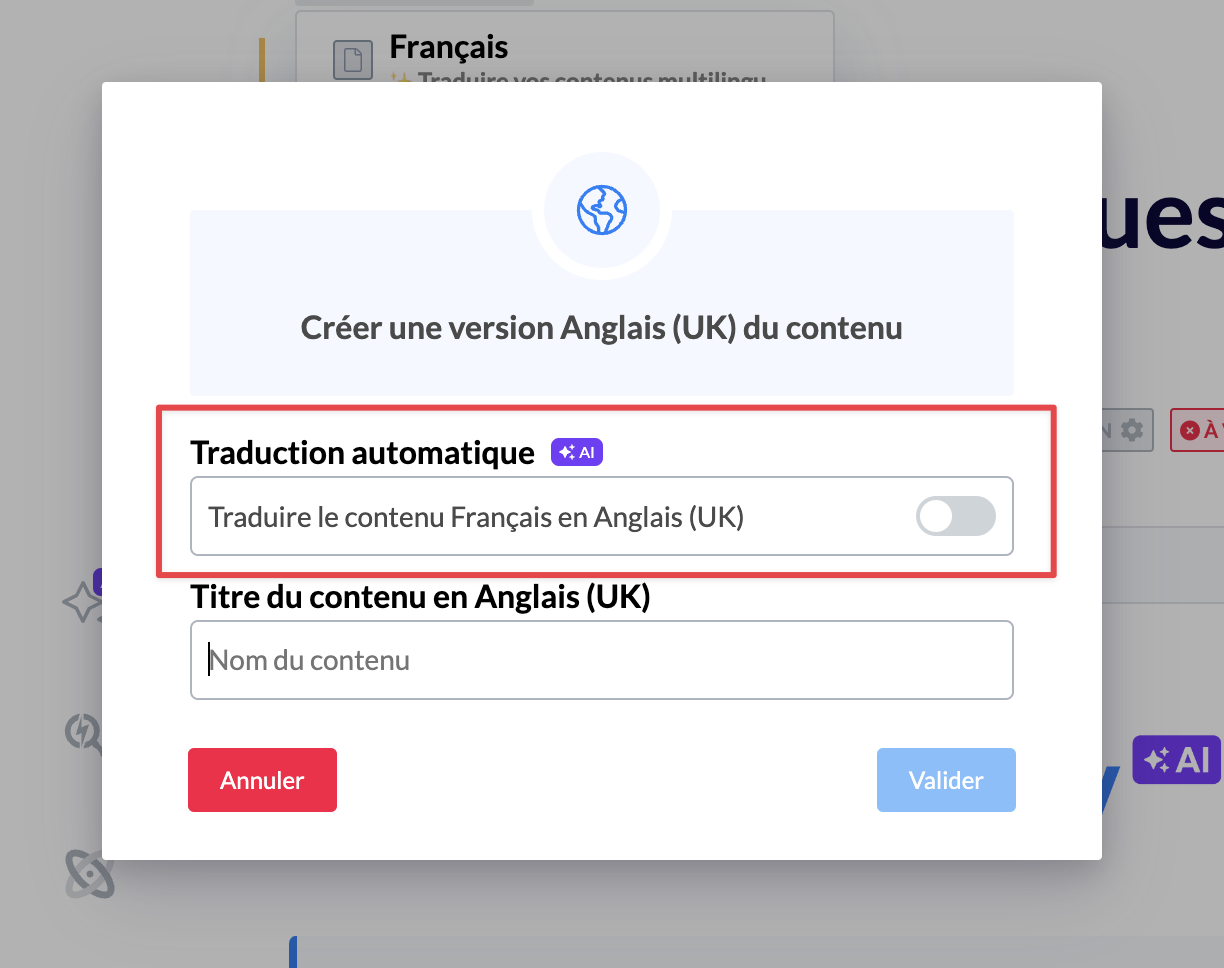
Activate the automatic translation option;
📸 Where to click to activate this option?
Wait for the translation to finish;
That's it! You can review your content in this new language.
⚠ Important information:
It is important to review automatically translated content to ensure that it meets your needs.
By default, automatically translated content will be in draft format, so you can check it before publishing it.
2⃣ Updating multilingual content
When you update multilingual content, it is time-consuming to add the translation in all available languages for that content.
Thus, when you update multilingual content in one language, Mayday detects this modification and offers to translate the content into other languages, so you don't have to do it for each language.

⚠ Important information:
When you use this option, the content will be completely retranslated into the other languages. Thus, it will be necessary to review it if you want to apply modifications that you had already made.
In other words, the translation is not limited to the modifications, but concerns the content as a whole once again.