📕 Presentation
Discover on this content how to access Mayday Academy as a learner, in order to start your training modules.
➡ Access the Mayday Academy space
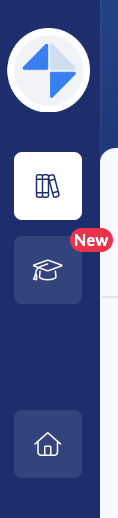
After creating your account, you can access the Mayday Academy by clicking on the icon 🎓 in the left menu of your Mayday Desk interface.
Reminder:
📸 View the Mayday Academy icon in the Mayday Desk interface
🧭 Access the Mayday Academy homepage
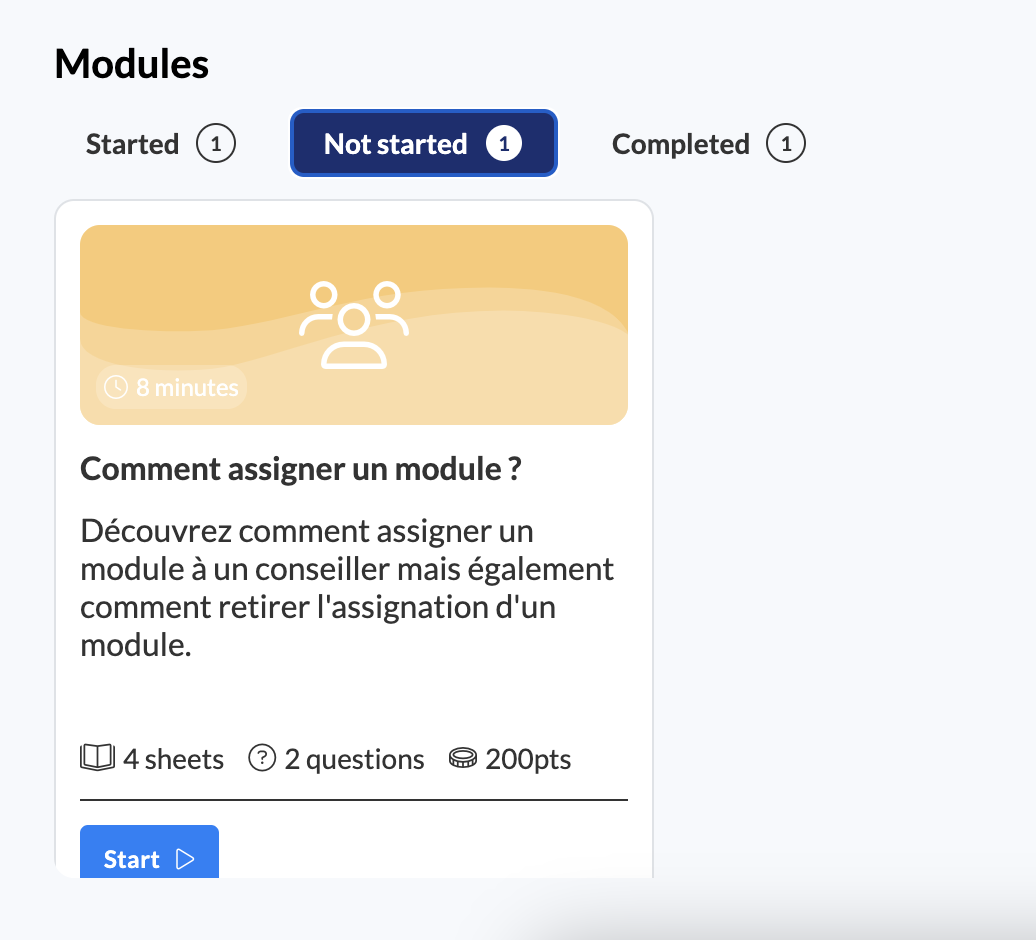
When you access the Mayday Academy, you will first have a homepage with all the training modules that you have already completed or have to complete
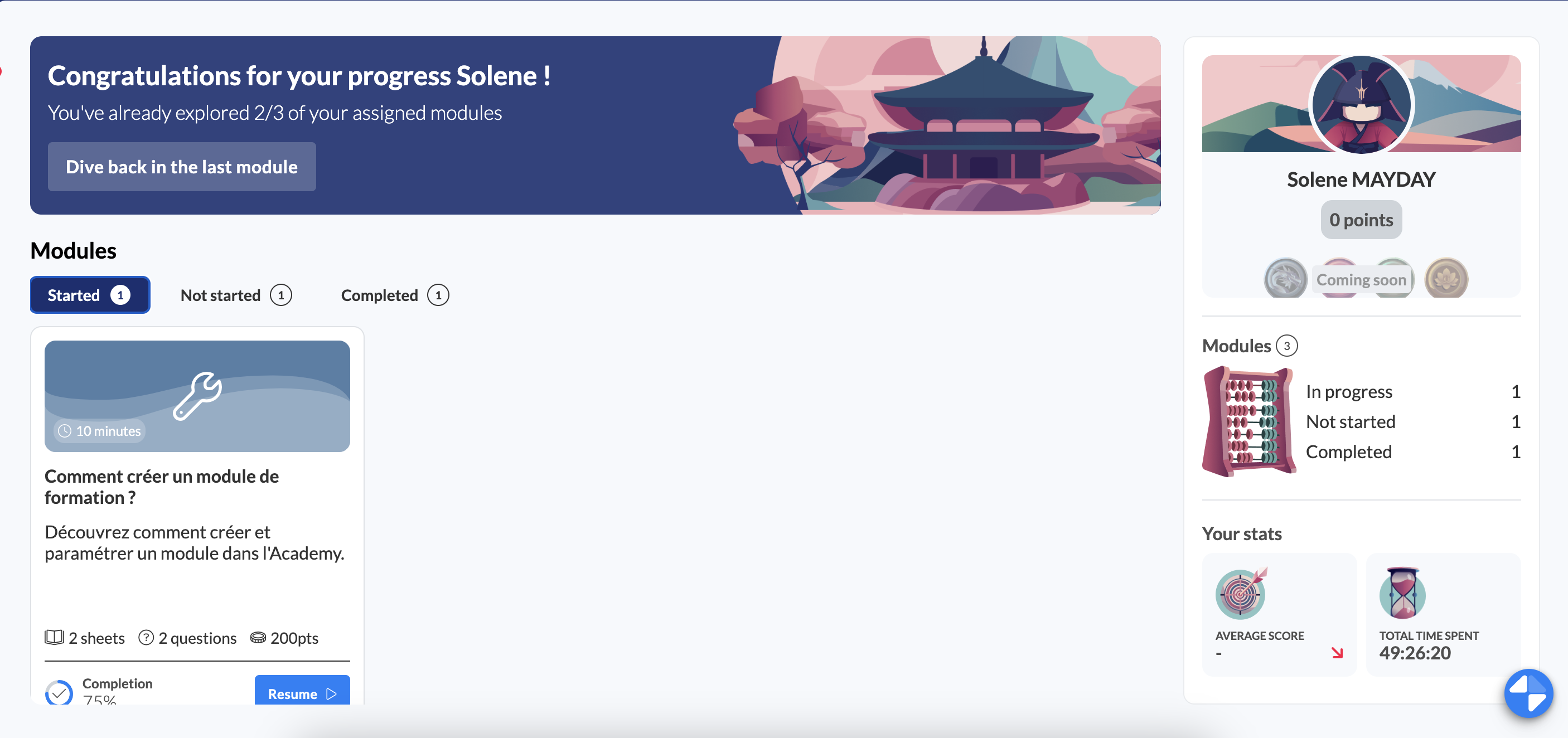
You can then:
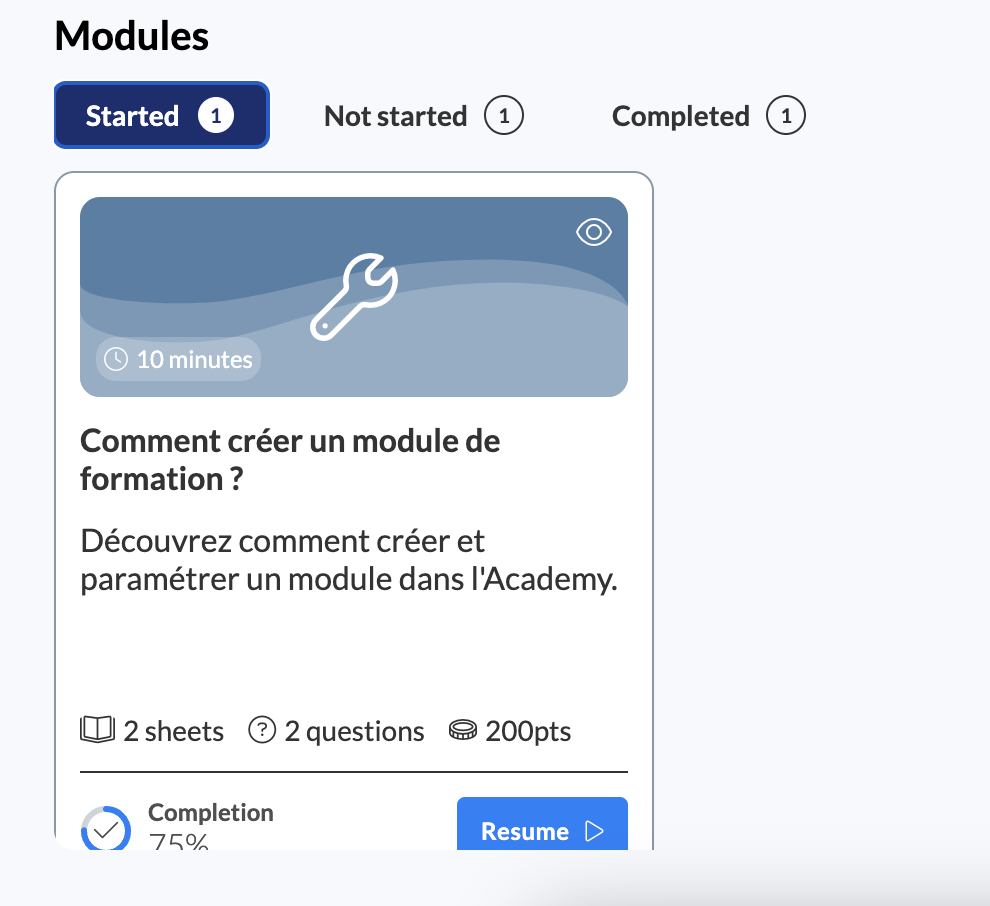
1⃣ Access your modules in progress:
2⃣ Access your modules not started:
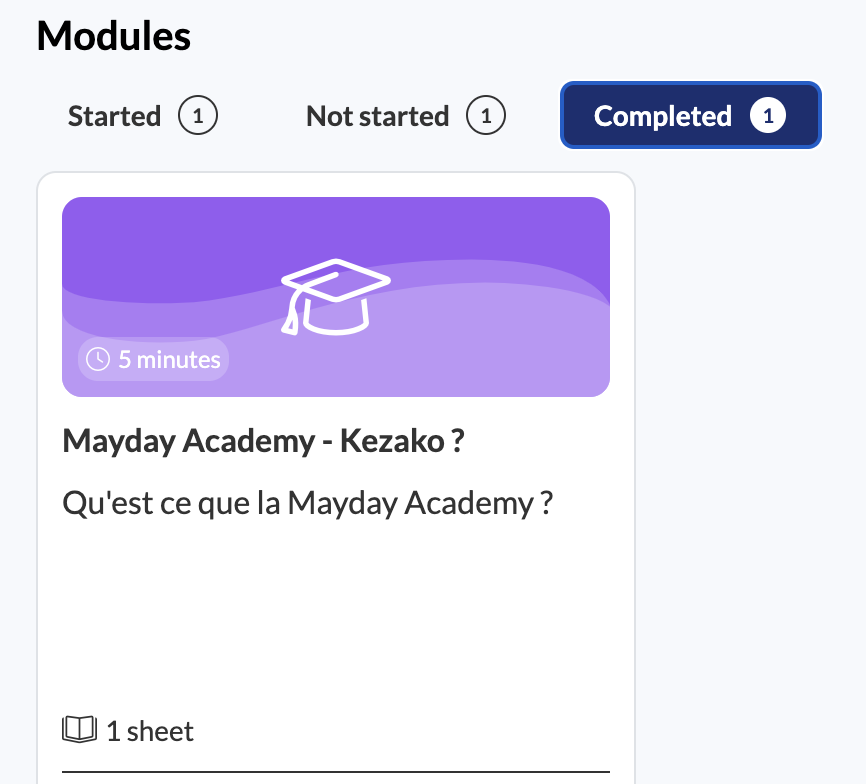
3⃣ Access your completed modules: