📕 Presentation
We wanted to involve you in optimizing your knowledge base and training modules, thanks to your valuable feedback, through the feedback feature!
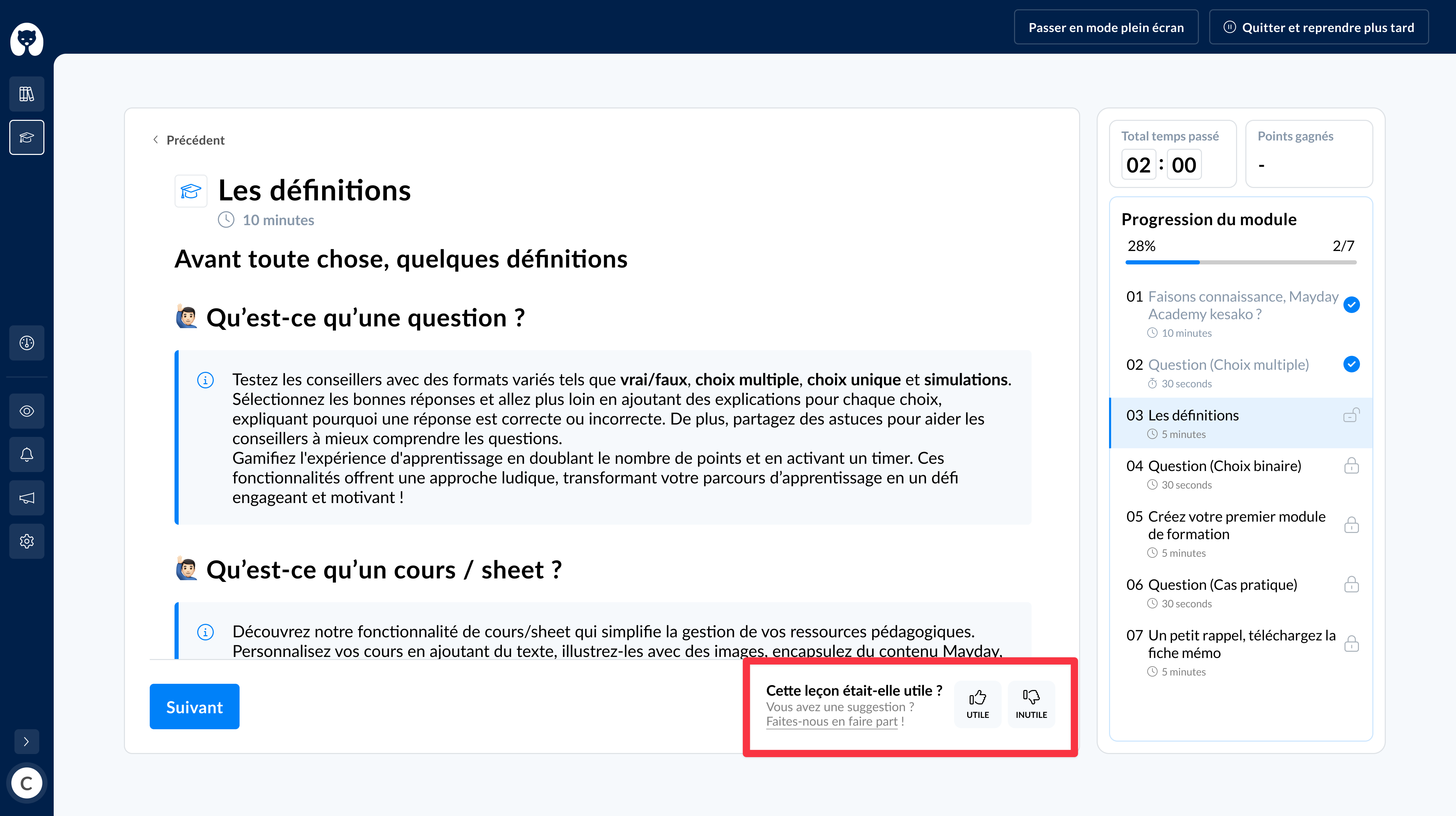
During the module follow-up (see the content ), a learner can send feedback on each sheet, question, or on the module as a whole, depending on the options defined at the module level.
⚙ How to send feedback
If feedback is enabled in a module's settings, you will have the option to send feedback:
After each lesson
After each question
At the end of the module, to give overall feedback
You can send two types of feedback:
A satisfaction indicator: 👍 or 👎
A Mayday feedback: using the feedback form available on Mayday
Once your feedback is sent, it will be directly visible to Mayday administrators. They can then process your feedback, potentially adapt the content of the training module based on your feedback, and give you feedback.