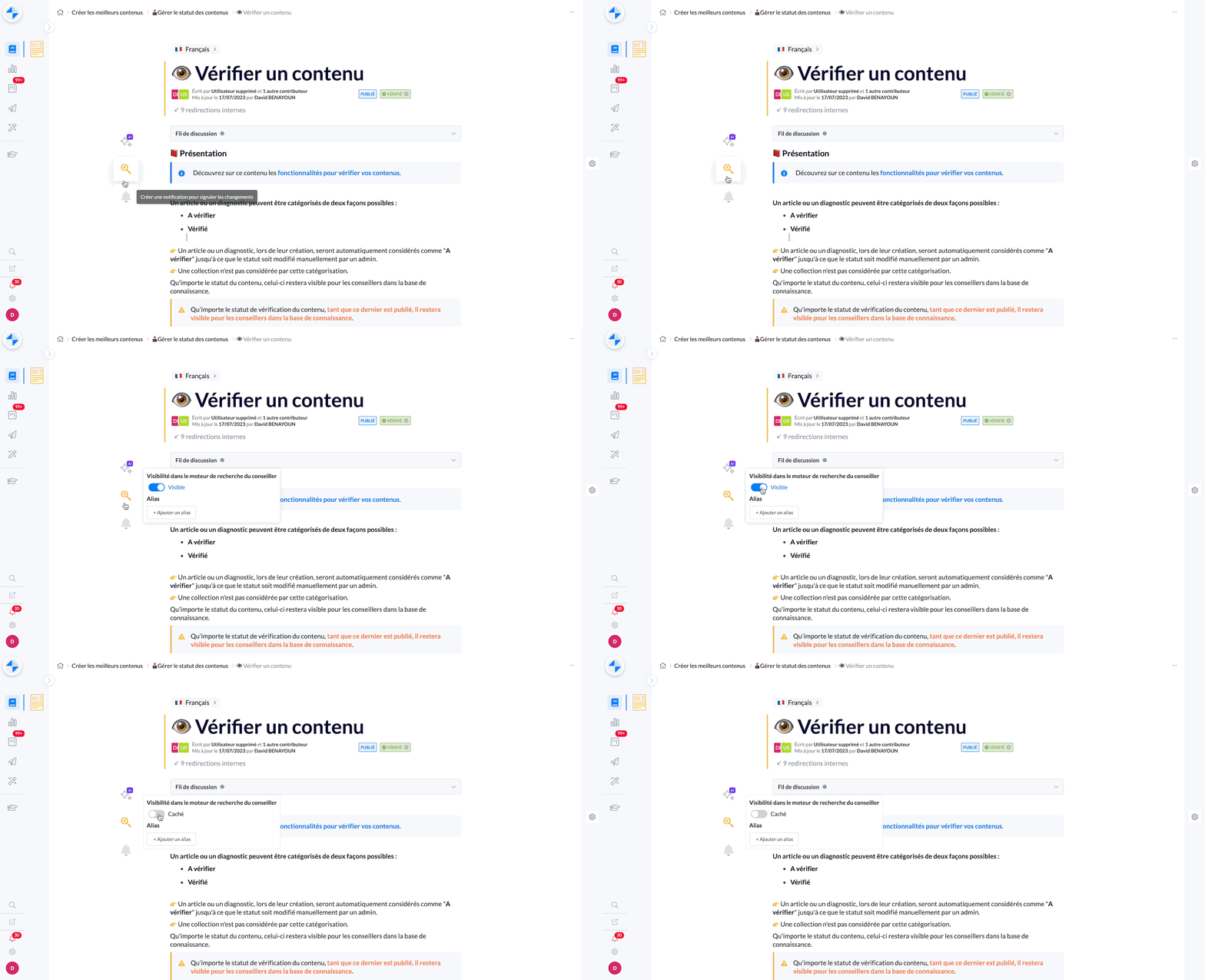
This content presents how to disable a content from the agent search engine
As an administrator, you have the ability to disable content in Desk search engine:
Once disabled, this content will no longer be visible in the agent search engine
However, it will remain accessible in the administrator search engine
In addition, there will be a visual indicator to indicate its deactivation in the agent search engine
This feature can be used if you want to prevent content from appearing in the agent search engine
🛠 Operation
In the menu to the left of a content, click on the 🔍 icon
Click on the displayed button to disable content from the advisor search engine
The preference is applied immediately
📸 See how to disable content from the agent search engine