Discover on this guide how to manage content settings.
It is possible to set several aspects at the scale of each content according to your preferences, by clicking on the wheel "⚙" present on the right of a content.
📸 View access to content settings
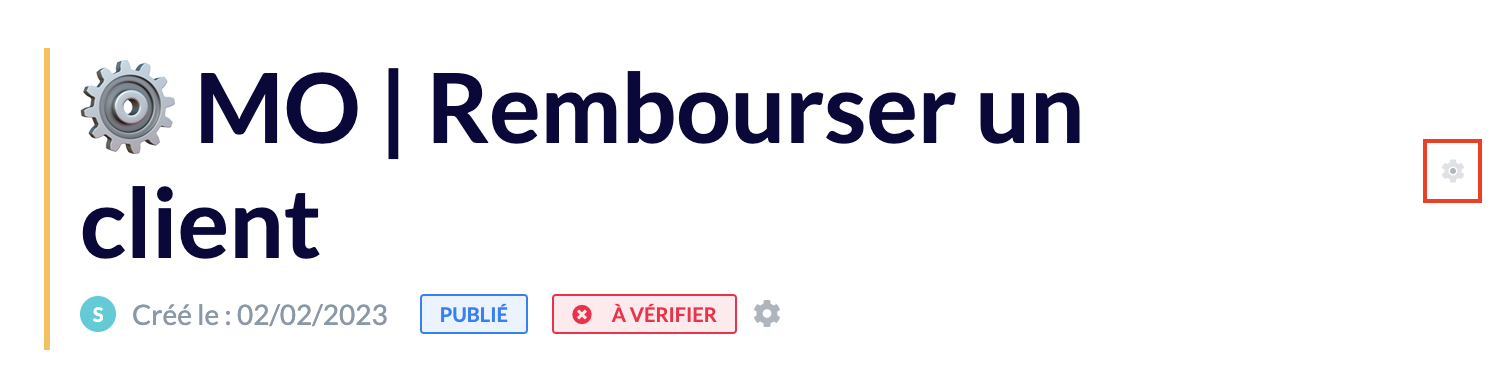
A box composed of three sections will open on the right:
"General" section
"Settings" section
"Access" section
"Plugins" section (public knowledge base)
🎯 Use case
Check the list of contributors of the content and the history of updates made on the content.
Check if verification processes have been put in place on your content.
Assign one or more labels to your content to refine the results proposed to the advisor in the search engine.
Identify who this content is accessible to in the case of an internal knowledge base.
Customize your content in the case of a FAQ.