2⃣ Urgent Notification
An urgent notification includes a particularly important message and therefore does not appear in the notifications tab like a regular notification but via a dedicated banner on the homepage of your interfaces.
Mayday Desk
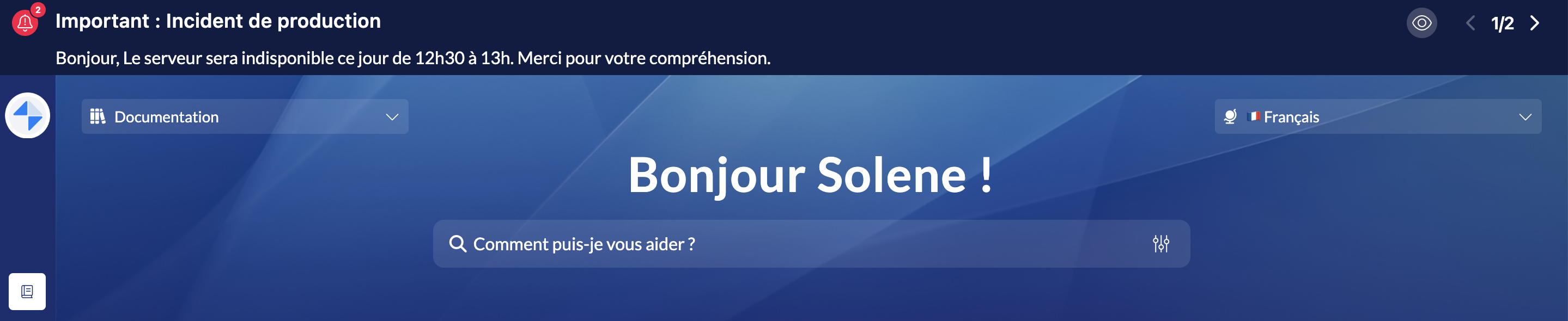
A banner will appear above your search bar.
You can click on the icon 👁 to check out the entire content of the notification and click on "View Content" to explore the related content if applicable.
Administrators can send you multiple urgent notifications at the same time, with the number visible on the icon 🔔 to the left of the banner.
You can then click on the arrows displayed at the right of the box to scroll through the notifications and review all of your urgent notifications.
📸 View urgent notifications on Mayday Desk
Urgent notifications remain visible on your interfaces until an administrator decides to remove them.
Mayday Widget
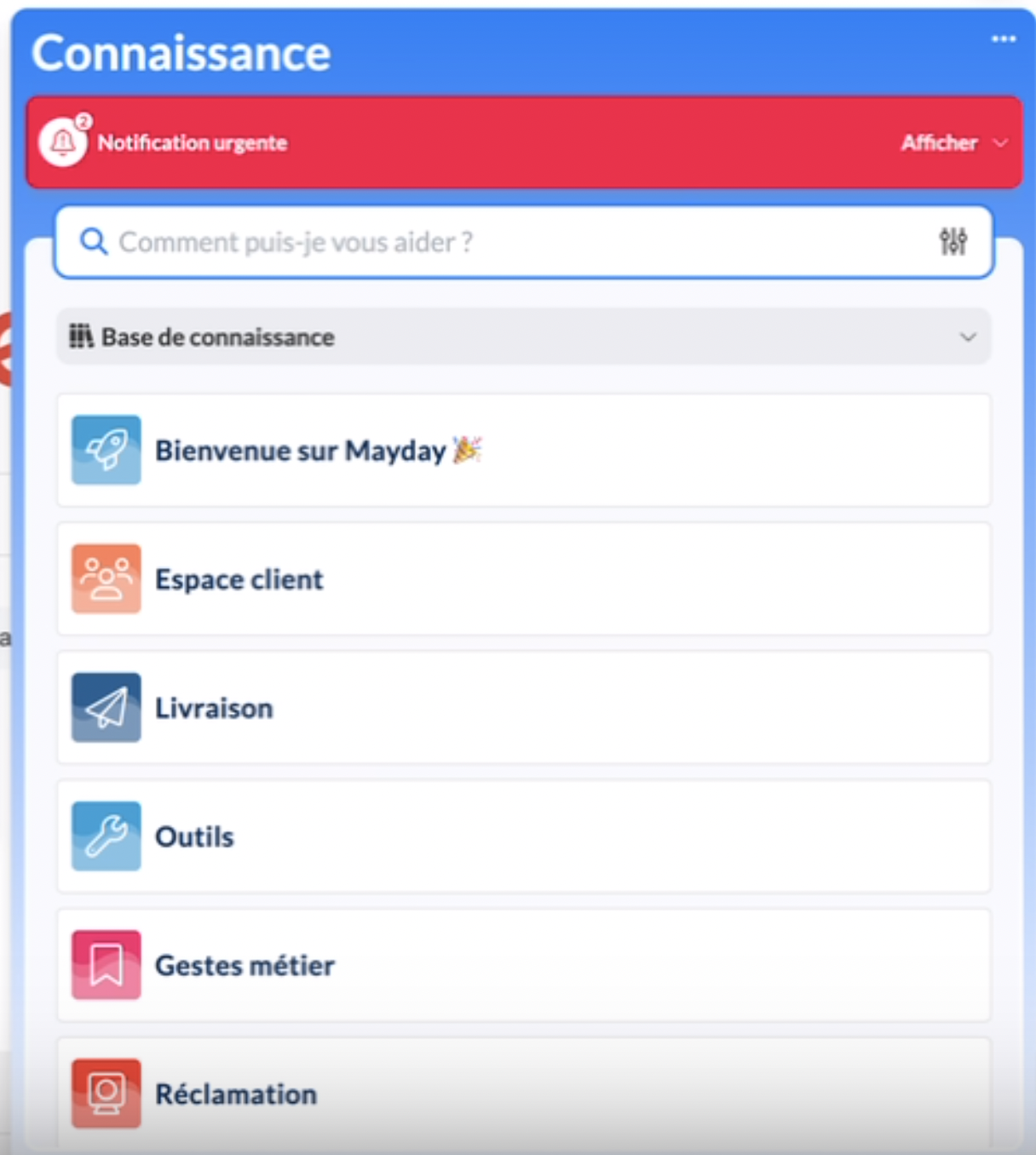
The red banner representing the urgent notification will be visible above the search engine.
You can click on "Display" to review the notification and scroll through all of your urgent notifications by clicking on the arrows at the bottom right of the box.
📸 View urgent notifications on Mayday Widget