🗂 Filter your notifications
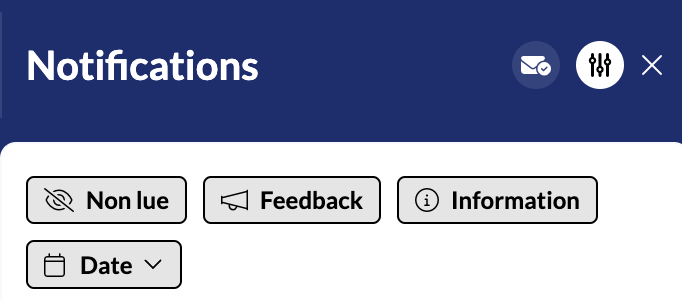
Mayday allows you to filter your notifications by clicking on “Filter” at the top right of your notifications box.
You can filter your notifications based on the following criteria:
Unread: this filter only shows you unread notifications, with a blue dot on the right;
Feedback: this filter only shows you notifications related to feedback you have sent to administrators (administrator response, like, feedback processing).
Information: this filter only shows you standard notifications related to news or other information.
Date: this filter allows you to sort your notifications by sending date:
Last 3 days
Last week
Last 2 weeks
Last month
Last 3 months
📸 View notification filter
Next Steps:
Back