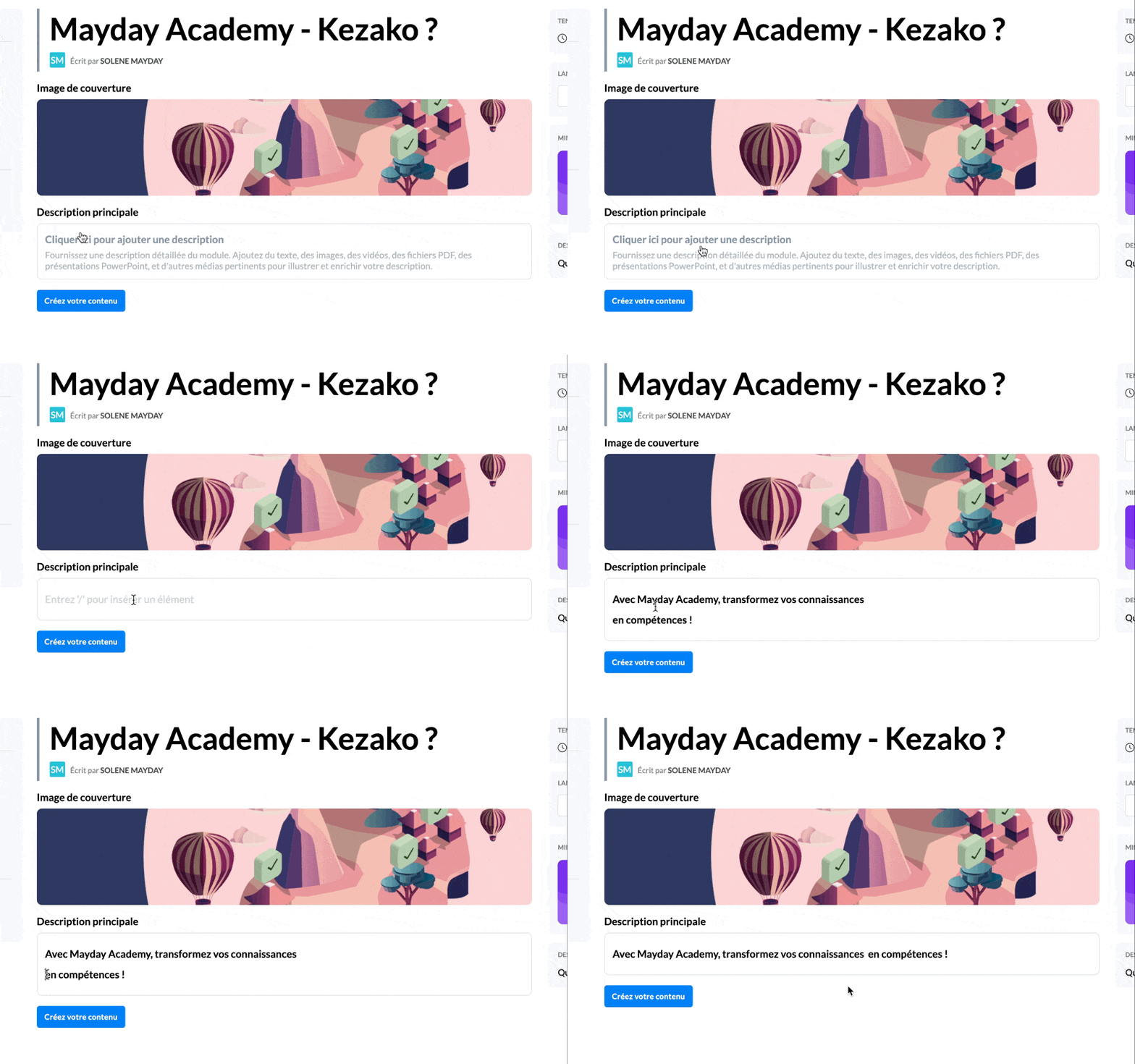
📕 Presentation
Discover on this diagnostic how to create and set up a module on Mayday Academy
Go to your Mayday Academy interface to create your first module!
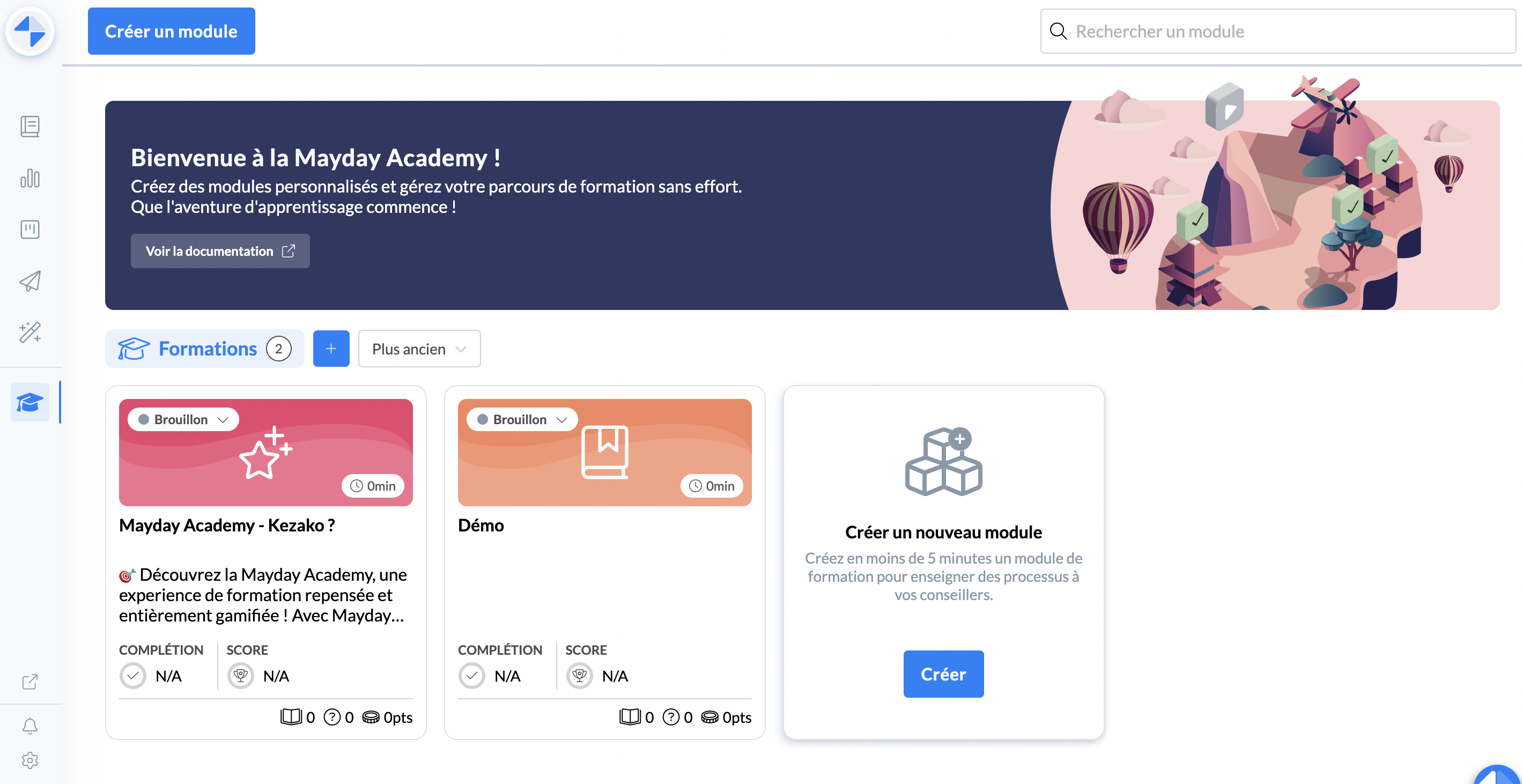
How to create a module?
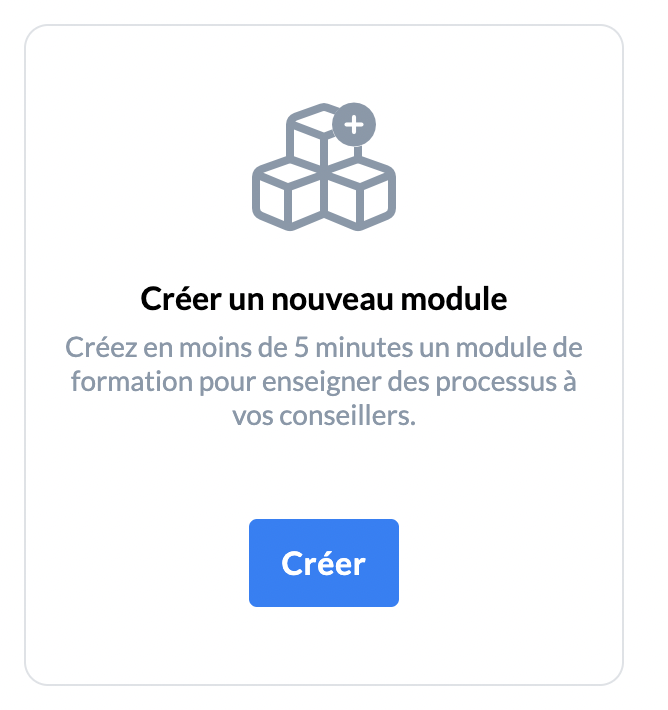
On the homepage, click on the “Create a new module” button
📸 Screenshot
A page appears, you will need to fill in the following elements
The title
The description
The language
The icon or presentation image of the module
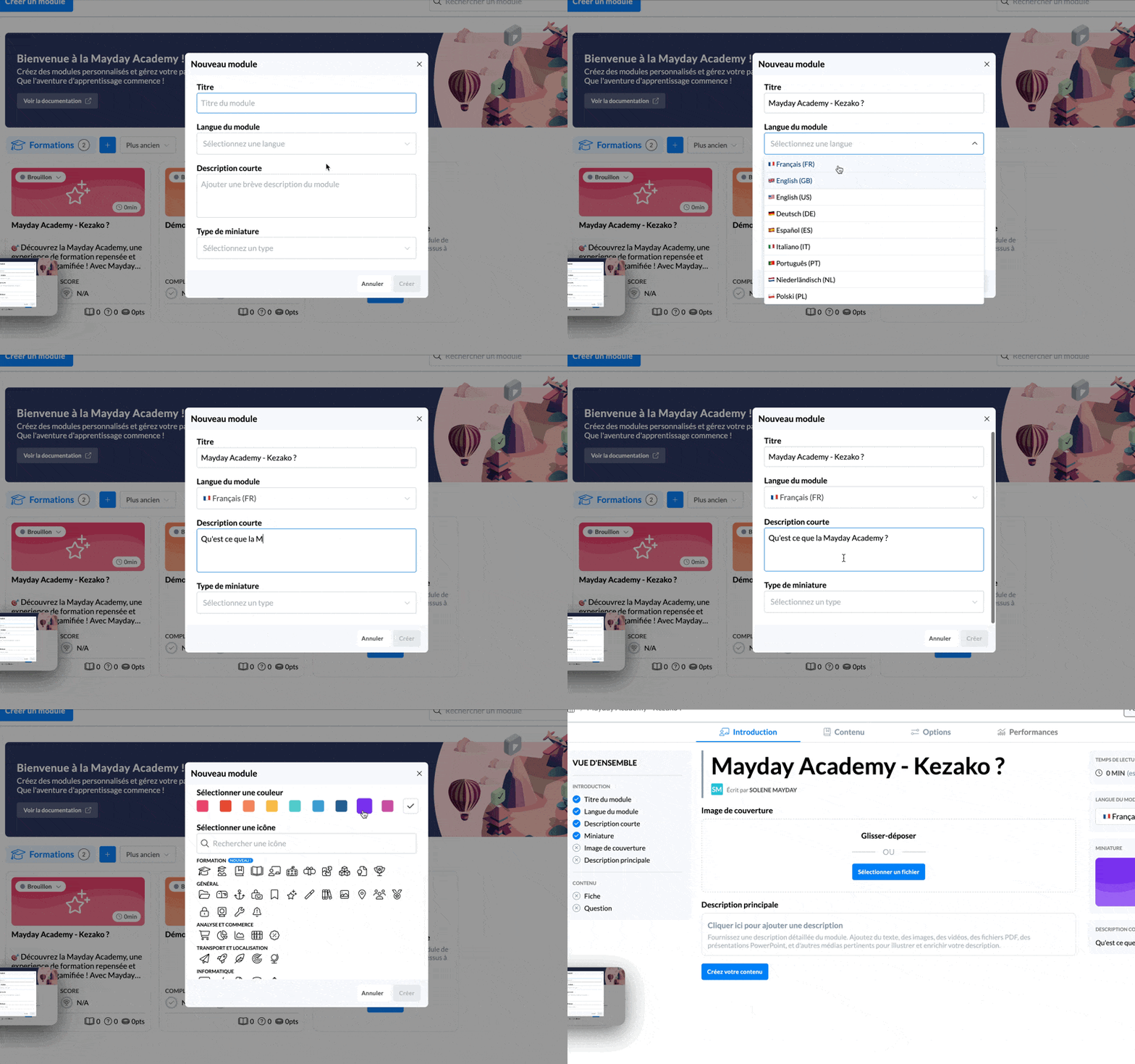
Done ! Your module is created!
You have started setting up your module but it's not finished yet!
⚙ How to set up a module?
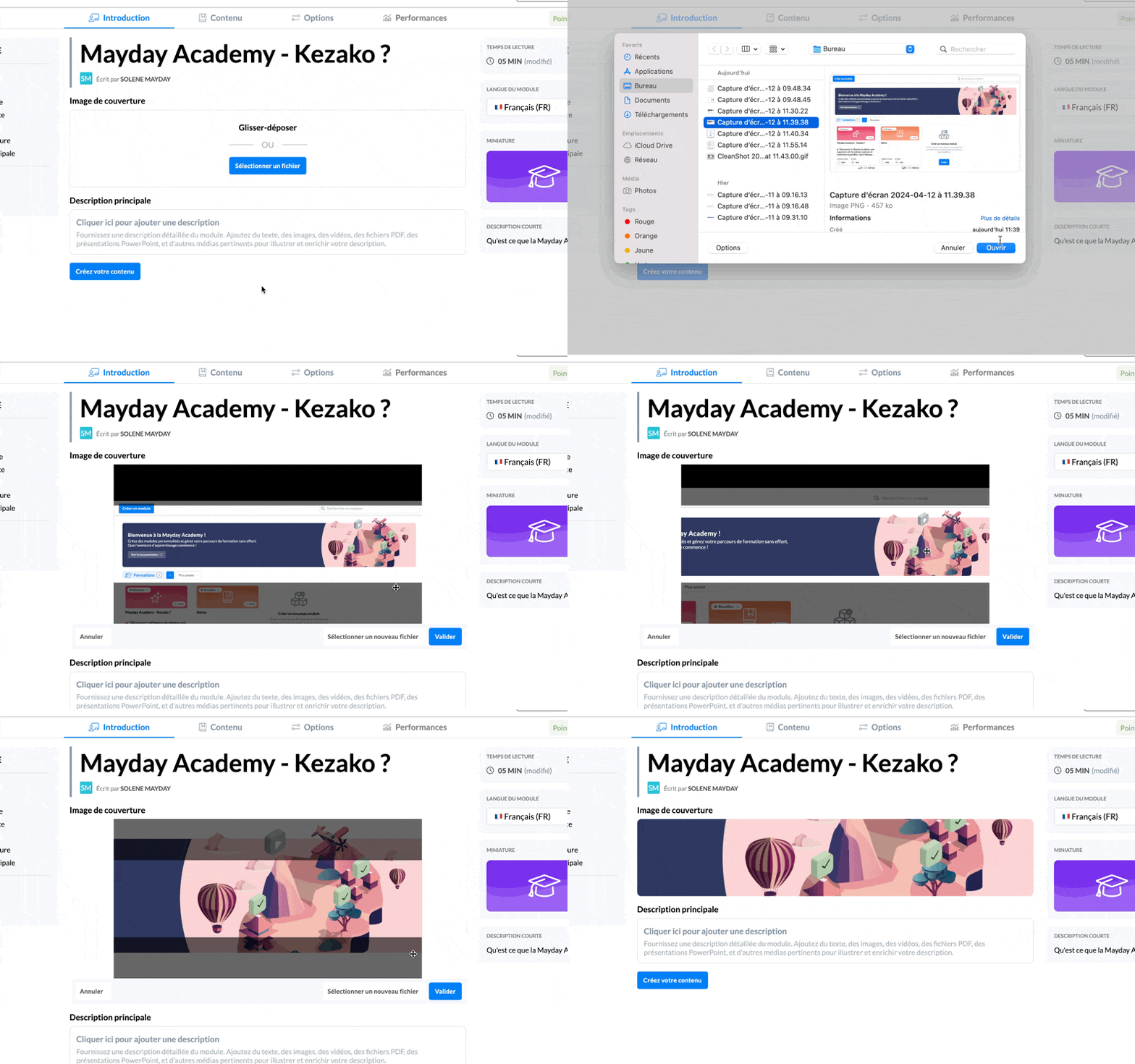
📸 Define a cover image
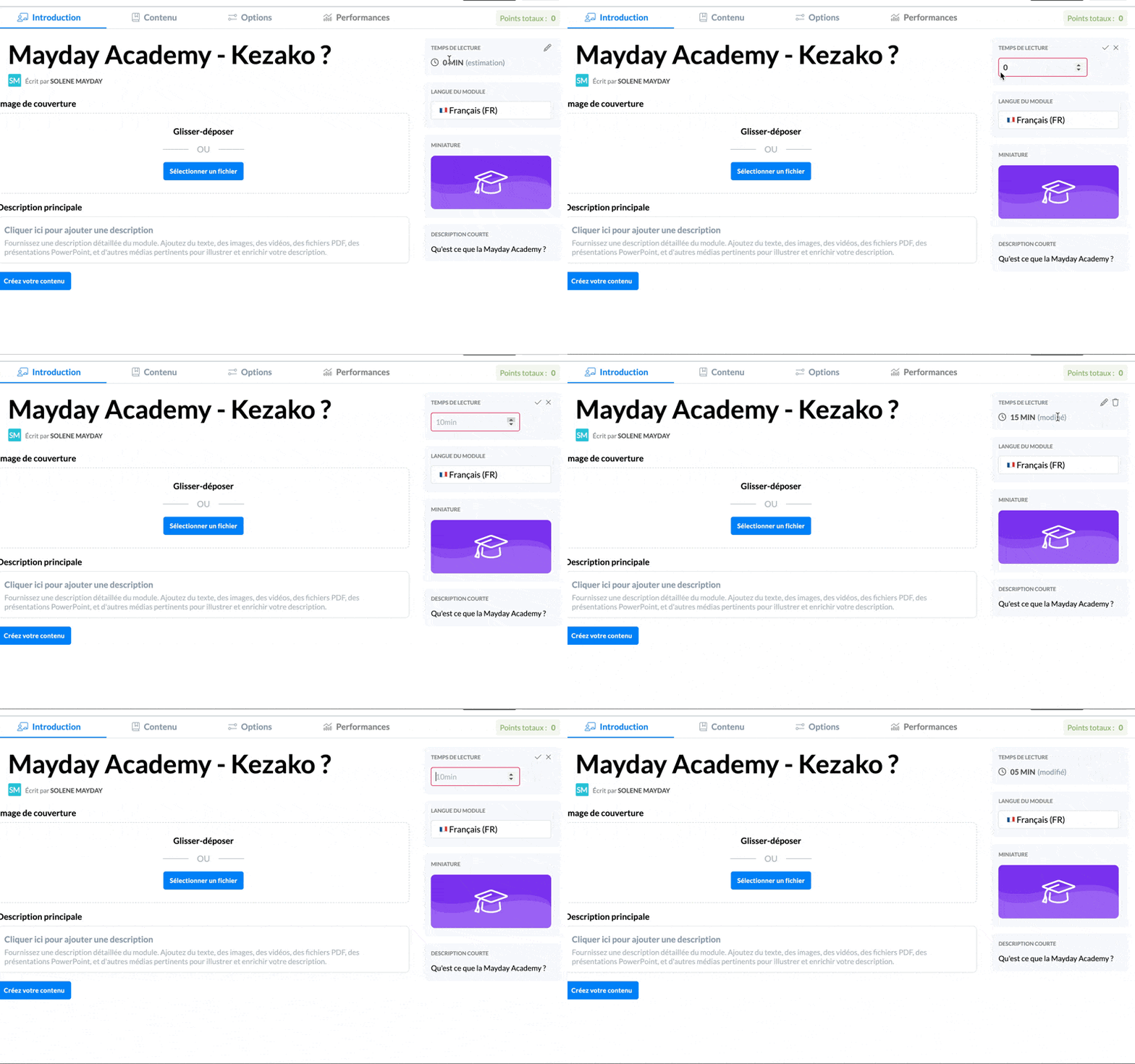
⏱ Define the module's reading time
ℹ Define the main description of the module