Discover on this content how to set up synonyms for the advisor's search engine.
The "Search Preferences" section within the settings page allows you to configure synonyms for your search engine.
📸 View access to the "Search Preferences" section
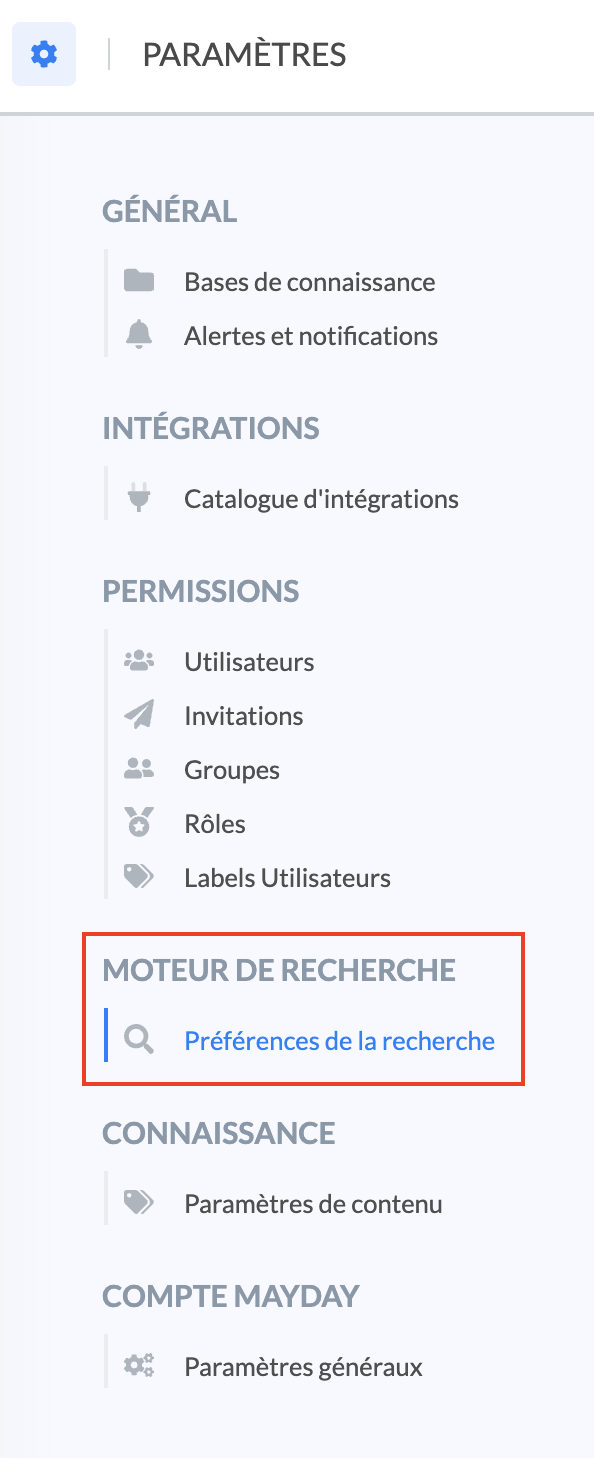
The goal is to create a correspondence between several terms that will be treated in the same way by the search engine.
🎯 Use cases
Optimize the correspondence of terms in your content and those typed by your advisors in their search bar!
Attach strategic words to the terminologies and abbreviations used by your advisors !
Analyze via the dashboard the search terms frequently typed by your advisors in Mayday without results and feed your synonym dictionary accordingly.
🪞Configure synonyms
To configure one or more synonyms, follow these steps:
Click on the "Search Preferences" section in the settings;
Click on "Set up synonyms";
Click on "New synonym";
Enter a reference word to which you will attach one or more synonyms;
Then enter one or more synonyms related to this reference word by writing the synonym and clicking the "enter" key on your keyboard;
Once your synonyms are inserted, click on the green diskette to the right of the line you are on;

Enter a new reference word if you want to configure other synonyms.
You can configure two types of synonyms:
Correspondences with the reference word (the registered synonym will correspond to the same word written differently) → ex: "1st" for "First" or "N°" for "Number";
Different keywords from the reference word but having the same meaning → ex: "Add" for "Create".
Once your synonyms are configured, you can perform two actions:
Delete the line and therefore all the synonyms of a reference word by clicking on the 🗑 icon;
Modify, delete or add a synonym for a reference word by clicking on the 🖊 icon.
