Discover in this content how to create multiple language versions for your knowledge base
🎯 Use Cases
Your teams are international and you want everyone to be able to view content in another language with just one click?
You have the ability to add one or more languages to your knowledge base.
⚒ Adding a language to your knowledge base
First, go to the settings of your knowledge base
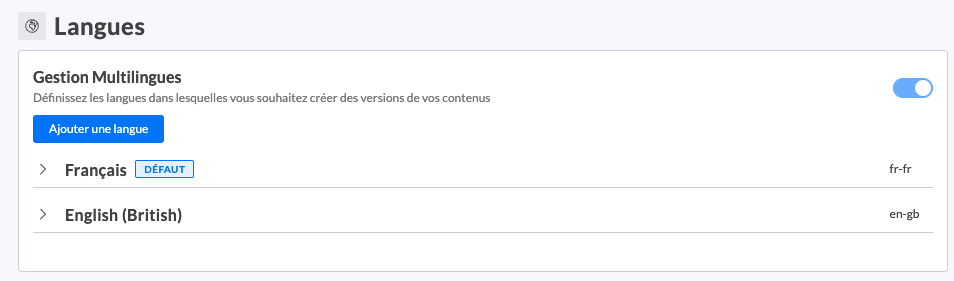
In the “Languages” section, add the language of your choice.
The new language version of your knowledge base is now created
📸 View the “Languages” section in the settings
Now, it's time to create the new versions of the content in your knowledge base.